

Google Calendar
Connect Google Calendar to let your agent manage appointments
With Google Calendar connected, the agent creates and manages appointments directly on your Google calendar: it checks availability, books an event (with an automatic Google Meet link), moves it or cancels it — right in the chat, on WhatsApp or on the site widget. Unlike Calendly, here the agent writes the event directly on your calendar.
Before you start
- A Google account with Calendar
- An agent already created (create your agent)
Requires the Business plan
Google Calendar is a higher-plan integration. If your plan doesn't include it, the card will show Upgrade plan instead of Connect.
How to connect Google Calendar
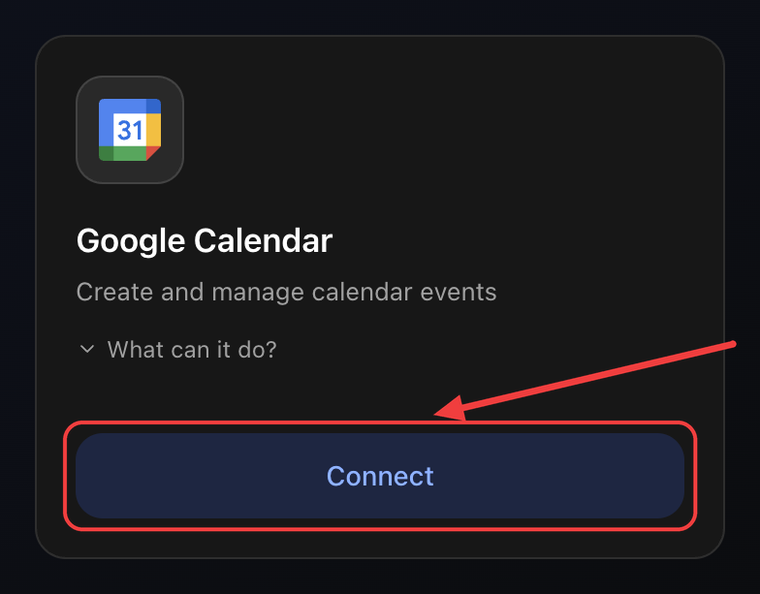
1. Open the Integrations tab and click Connect
Go to Agents → your agent → Settings → Integrations tab. On the Google Calendar card click Connect.
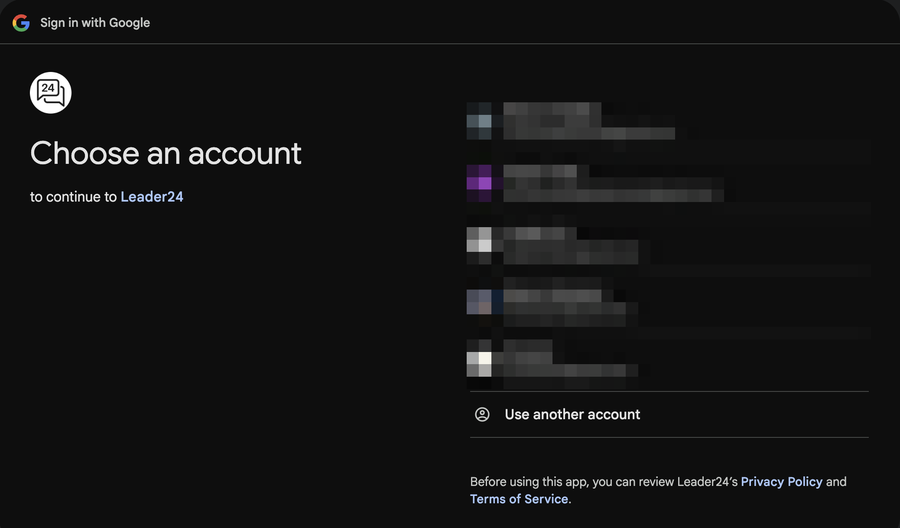
2. Choose your Google account
In the popup, select the Google account you want the agent to work with. Use the account whose calendar should manage the appointments.
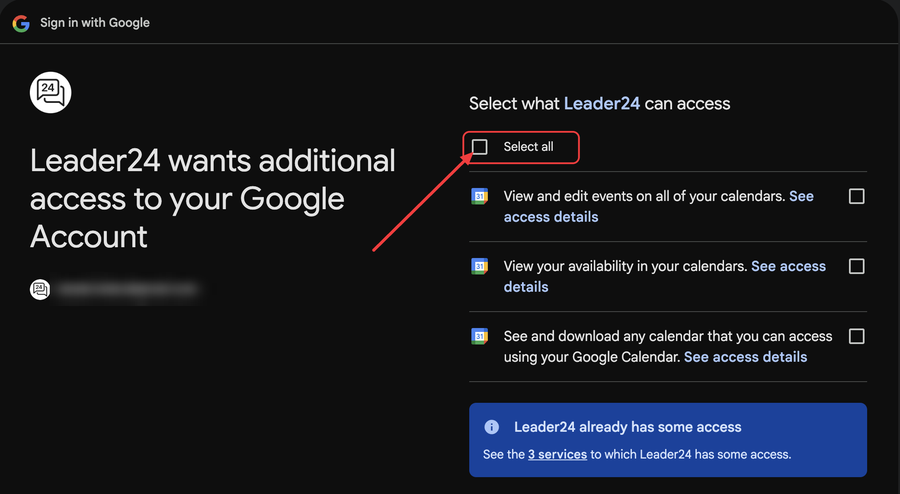
3. Authorize Leader24
Google shows you the permissions the agent will have on the calendar. Tick all the permission boxes — use "Select all" to select them at once. ⚠️ If you don't grant them all, the integration won't work. Then scroll down and click Continue.
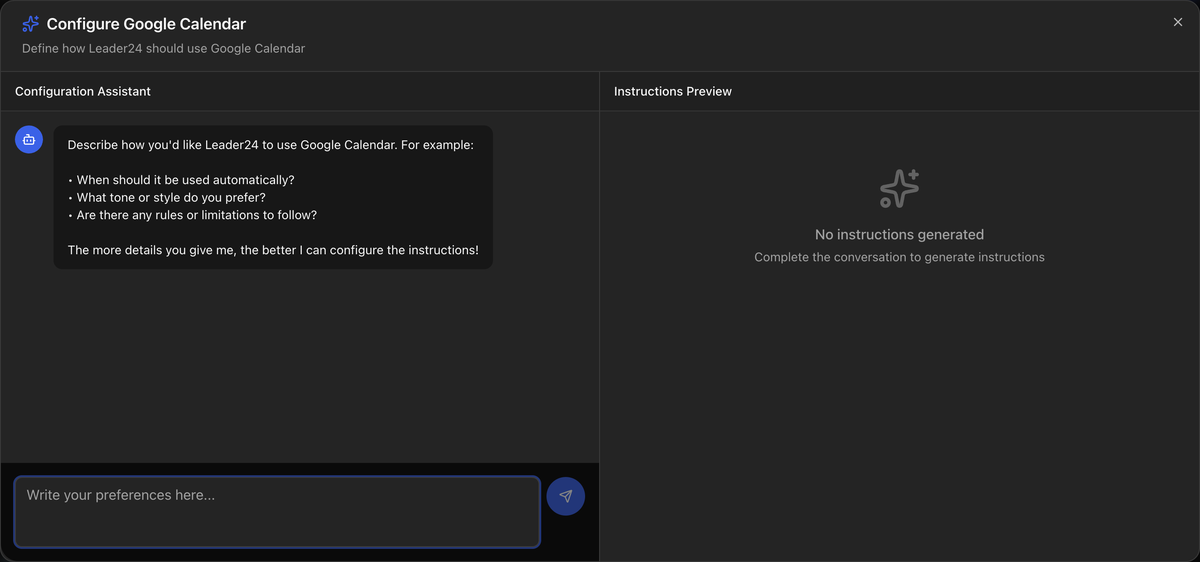
4. Configure the instructions
You return to the dashboard and the Configure Google Calendar window opens: an assistant helps you define how the agent should manage appointments (duration, time slots, notice, tone). Describe your preferences and save.
Done: the card shows Configured and the agent can use Google Calendar.
What the agent can do
- Create an event on the calendar, with an automatic Google Meet link
- Check availability and find free slots
- Find the appointments of a customer (by their email)
- Cancel an appointment on request
- Reschedule an appointment on request
Tips
In the instructions (step 4) explain your rules for appointments: standard duration, time slots you accept, minimum notice. The more specific you are, the better the agent proposes and books events.