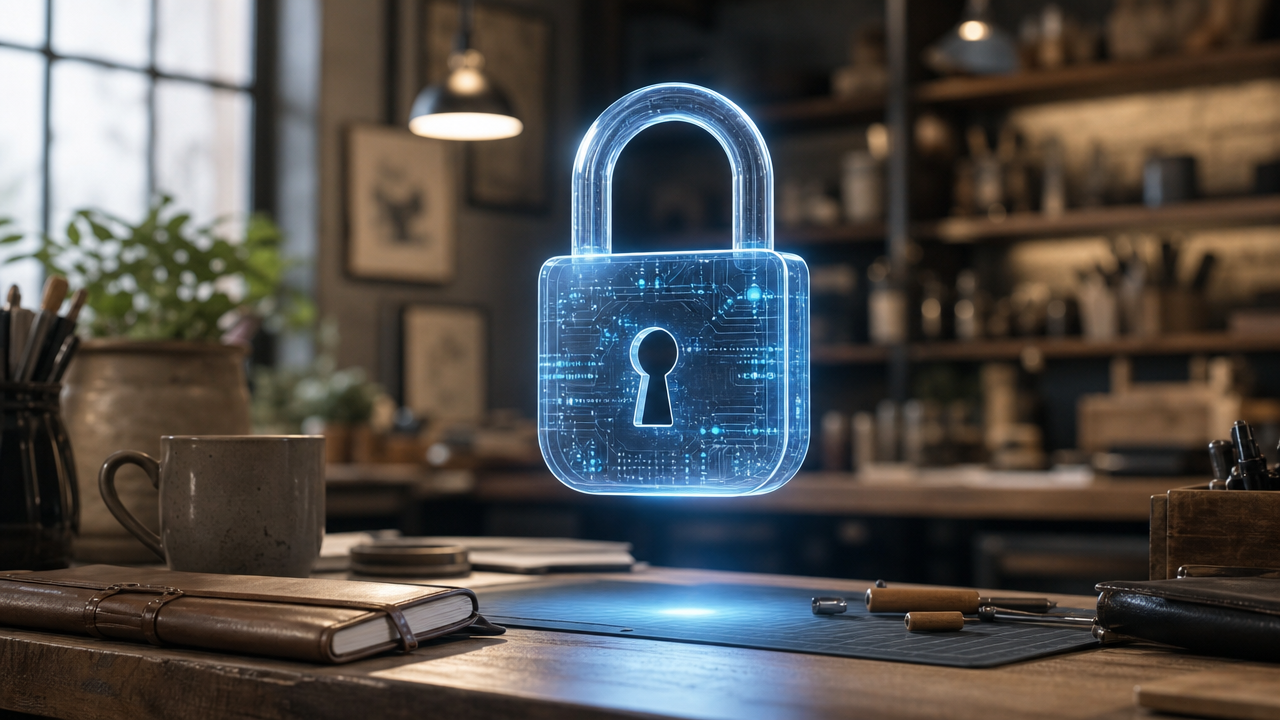
Corporate data security: practical guide to protect customers
Learn how to protect your customers' data with simple habits-from two-factor authentication to secure management of business conversations.
You just filed yet another quote in your email inbox. The client wrote to ask you for it, and you turned it over to him in no time. You feel efficient. But is that email, that PDF with prices and terms, really safe? Or is it traveling the web without any protection? Data security isn't just an issue for banks: it affects you, managing the information of dozens of customers every day.
Why data protection is the best investment for your reputation.
When a customer entrusts you with his phone number, an address, or the details of an order, he is giving you more than just information. He is giving you his trust, and protecting that data means honoring the silent pact between you and those who choose you. Yet many business owners think that security is just a matter of antivirus or armored devices. The reality is different: more than a third of businesses focus only on the physical protection of tools, forgetting that the real game is played in the day-to-day management of information. A lost or exposed piece of data can ruin the reputation you've built over years of work, while a customer who feels safe is a customer who comes back, and tells others about it.
What are the basics of information security for your business?
You don't need computer science degrees to raise the bar on protection. All it takes are some concrete habits you can adopt right away, without spending a fortune.
- Strong, unique passwords for every service. Using the same password everywhere is like having one key for home, office, and safe deposit box. A password manager creates complex codes and remembers them for you, so you don't have to keep everything in mind.
- Two-Factor Authentication (2FA). This is that notification you get on your smartphone when you try to log in from a new device. Enable it on email, social, and management-it's the easiest way to block an intruder even if they already know your password.
- Beware of suspicious links and attachments. Always be wary of emails or messages that ask you for urgent action or personal data. Even if they appear to be from suppliers or customers you know, one too many clicks can compromise your entire archive.
How to safely manage customer conversations?
Customer inquiries come from multiple channels: WhatsApp, email, website, social. Each conversation can contain sensitive information-a delivery address, a detail about a payment, a complaint about a product-and when these are scattered across multiple platforms it becomes difficult to even know where what is. Keeping everything organized in one place helps you respond more quickly and professionally, without risking missing messages or forgetting open requests.
If you want to streamline this flow without jumping from one chat to another, Leader24 unifies interactions from WhatsApp and website into one panel, so you can track each conversation and respond to customers in an orderly and efficient way.
Data encryption: what it means and why you need it.
Imagine locking your most important documents in a digital safe: only those with the combination can read them. Encryption works exactly like this, turning files into unreadable codes for anyone without authorization. This technique should be applied both to data saved on servers and to data stored on your computers. In practice, many cloud services that you already use for mail or storage have built-in encryption features-just turn them on to make the information inaccessible to outsiders.
How to protect mobile devices used for work?
The smartphone you use to photograph products or the tablet you take to customers contain a huge amount of sensitive data. If you lose them, the screen lock alone is not enough-you need to be able to take action right away. There are centralized device management systems, called MDM, that allow you to wipe company data remotely if it is lost or stolen. With one simple procedure, in short, you can empty the device of all business information before it falls into the wrong hands. You don't need an IT department: many vendors offer simple plans, suitable even for those with only two or three devices to manage.
When is it time to review your security rules?
Security is not a piece of paper to hang on the bulletin board-it is a process that evolves with your business. Every time you hire a new employee, open a new sales channel, or change management software, the rules should be updated accordingly. A common mistake is to give everyone access to everything. Instead, classifying data and applying risk-proportionate controls is the right way to go: decide who can see what, so that only those who take care of orders access delivery documents and only those who follow accounting see invoices. Thus you reduce the danger of errors or information leaks, even unintentional ones, because even an accidentally deleted file can cost you dearly in terms of time and image.
The first concrete step to take today.
Don't try to change everything in a week: security is built one brick at a time. Start by enabling two-factor authentication on all your main accounts, a quick fix that immediately puts up a wall against unauthorized access. From there, continue with passwords and device management. Data protection is a journey, and the best time to start is now.
Frequently asked questions.
My business is very small: do I really need to worry about security?
Yes, because cybercriminals often target small businesses, which have fewer defenses. A stolen archive can cause economic and image damage from which it is difficult to recover. You don't need a team of experts: just the right measures can significantly reduce the risk.
How much does it cost to secure my company's data?
Many basic solutions are free: two-factor authentication, password managers with free plans, encryption features already included in the cloud services you pay for. For more advanced systems, such as centralized mobile device management, there are scalable subscriptions depending on the plan. However, the cost is minimal compared to the damage of a breach.
Can I do it myself or should I call an expert?
For the basics, two-factor authentication, passwords, updates, you can absolutely manage everything yourself. If, on the other hand, you need to set up more intricate access policies or manage many mobile devices, a consultant can help you get it right. But the first step is up to you: no expert can protect data if the foundation is not solid.
Leader24 Insights
If you would like to learn more about how Leader24 approaches the topics covered, these are the starting resources:
Ready to transform your customer service?
Activate your AI assistant on WhatsApp in 5 minutes. 30-day free trial, no credit card required.
Fonti
Related articles
Telegram per lavoro: come proteggere documenti e chat aziendali
Usi Telegram per scambiare documenti con i clienti? Scopri come attivare le chat segrete, la verifica in due passaggi e gestire la sicurezza dei tuoi dati.

Perché il rallentamento dell'IA è un vantaggio per la tua azienda
I colossi tech rallentano lo sviluppo dell'IA: scopri perché questa prudenza rende i tuoi strumenti di automazione più stabili, sicuri e professionali.
Come semplificare il lavoro automatizzando i processi aziendali
Scopri come integrare i tuoi strumenti di lavoro, automatizzare le attività ripetitive e centralizzare le informazioni per eliminare il caos quotidiano.