How Artificial Intelligence Optimizes Daily Work
Find out how to integrate artificial intelligence to manage customers, automate responses, and free up valuable time in your daily work.
It’s 8:00 p.m. and you’re at the office when a potential client leaves a message on the website requesting an urgent quote for the next day. Meanwhile, the phone rings, and you still have a list of things to prepare for the morning. There’s a real risk of losing that opportunity—not because of a lack of capability, but simply because you’ve run out of time.
This isn’t just about cutting-edge technology. Even companies like HP are investing in artificial intelligence precisely to bridge this kind of gap—that is, the ability to respond immediately without having to hire additional staff. The same principles, however, apply just as easily to a professional practice or a small retail store.
Why the Collaboration Between HP and OpenAI Might Interest You
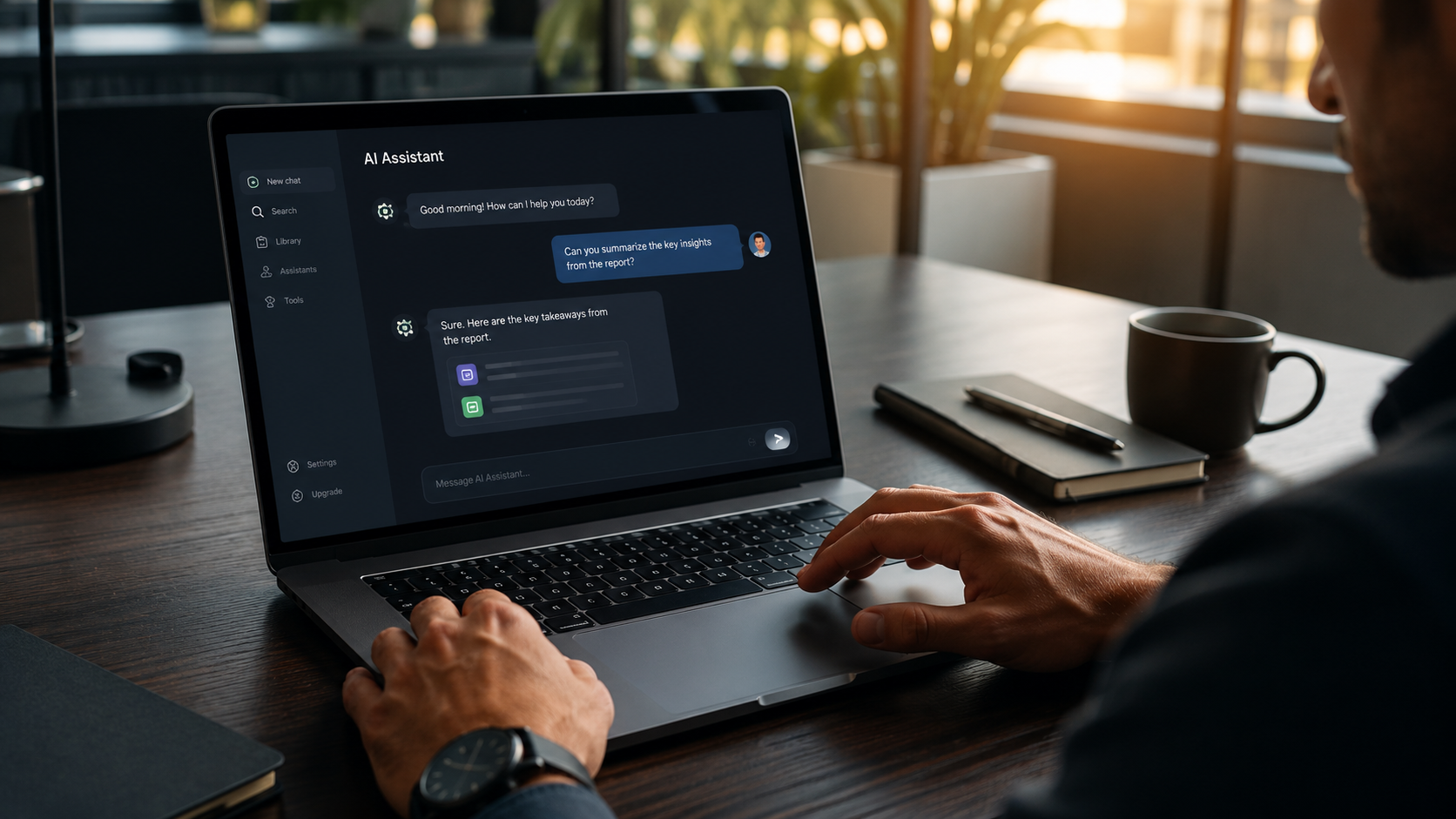
The partnership between HP and OpenAI aims to integrate AI directly into devices and workflows. As explained in HP’s official press release, the goal is to improve both the customer experience and internal efficiency. In practice, this means that as soon as you turn on your computer, artificial intelligence is already there as a built-in assistant: it reads business data, interprets requests, and suggests sensible responses. For you, this means the ability to delegate repetitive tasks without having to configure anything every day.
AI as the Foundation of Daily Work
With over a million companies already using OpenAI, the way we access information has changed. The “company knowledge” feature allows the assistant to reason about data scattered across emails, documents, and spreadsheets. Instead of searching for an invoice or a detail among dozens of messages, you can ask a simple question and get the answer. It’s not about replacing people, but about eliminating the most tedious part of the day: manually searching for things you know you have but can’t seem to find.
Responding to Customers Even When You’re Busy
Today’s customers expect a quick response and often give up if they don’t receive one within a few minutes. Automating the initial response and lead qualification ensures no one has to wait, even when you’re focused on something else. The most common questions—such as hours of operation or pricing—can be answered immediately while you continue working. This way, you avoid losing leads simply because you weren’t in front of your screen.
Simple Tools to Get Started Without Complications
You don’t need a complex infrastructure to improve productivity. Today’s hardware and software let you get started with just a few tools that work together. Three practical tools are all you need: WhatsApp Business to manage direct contacts, Calendly to let people book appointments without lengthy email exchanges, and a platform like Leader24 that combines live chat on your website with an automated agent on WhatsApp, centralizing conversations and qualifying leads.
When to Use AI and When to Use a Human Agent
Artificial intelligence can handle repetitive questions and initial screening, leaving only the important decisions to you. A well-calibrated system distinguishes between those who are genuinely interested and those who are just browsing. When the conversation becomes more sensitive, the handoff to a human agent happens naturally. This balance between automated speed and personal attention is what creates a positive customer experience.
Start with the questions you get most often
You don’t have to change everything at once. Start by identifying the three questions your customers ask you most frequently. Once you’ve pinpointed them, you can automate the responses on your website or via WhatsApp. Technology is meant to save you time, not to complicate things. Try an automated support solution for a month—that’s the minimum time needed to see how many inquiries and how many hours you can save.
Frequently Asked Questions
Do I need to replace all the hardware in my office to use AI?
No, most tools operate via the cloud and require only an internet connection and an up-to-date browser. What you already have is almost always enough to get started.
Are these tools secure for customer data?
Enterprise platforms adhere to certified security standards and use encryption. Always verify that the provider complies with the GDPR and offers servers in Europe before activating an account.
How long does it take to set up a WhatsApp assistant?
With modern platforms, it takes just thirty minutes to link your WhatsApp Business number, enter responses to frequently asked questions, and set up your first welcome flow.
Leader24 Insights
If you’d like to learn more about how Leader24 addresses the topics covered, here are some resources to get you started:
Ready to transform your customer service?
Activate your AI assistant on WhatsApp in 5 minutes. 30-day free trial, no credit card required.
Fonti
Related articles

Perché il rallentamento dell'IA è un vantaggio per la tua azienda
I colossi tech rallentano lo sviluppo dell'IA: scopri perché questa prudenza rende i tuoi strumenti di automazione più stabili, sicuri e professionali.
Come semplificare il lavoro automatizzando i processi aziendali
Scopri come integrare i tuoi strumenti di lavoro, automatizzare le attività ripetitive e centralizzare le informazioni per eliminare il caos quotidiano.

Smart TVs in the Office: How to Protect Your Customers' Privacy
A Smart TV in the waiting room can compromise data security. Learn how to set up your devices correctly and protect your practice's network.