CRM Management: How Data Profiling Transforms Your Business
Find out why data accuracy in CRM is essential for avoiding errors, improving conversion rates, and stopping wasting time on unproductive leads.
Luca opens the management software for his consulting firm in Milan. It’s 9:12 a.m. on a typical Tuesday, and in front of him is an Excel spreadsheet with 340 names, an email inbox overflowing with threads titled “RE: Quote,” and three yellow Post-it notes stuck to his monitor. When a client calls to get an update on the project, Luca can’t remember what he told them last time and spends a quarter of an hour rummaging through emails while the client waits on the line. He feels unprepared, but the problem isn’t his memory—it’s the lack of a system.
The accuracy of the data in your CRM isn’t just a technical quirk. It’s the real difference between closing a deal today or watching it slip away tomorrow.
What “Profiling” in CRM Really Is
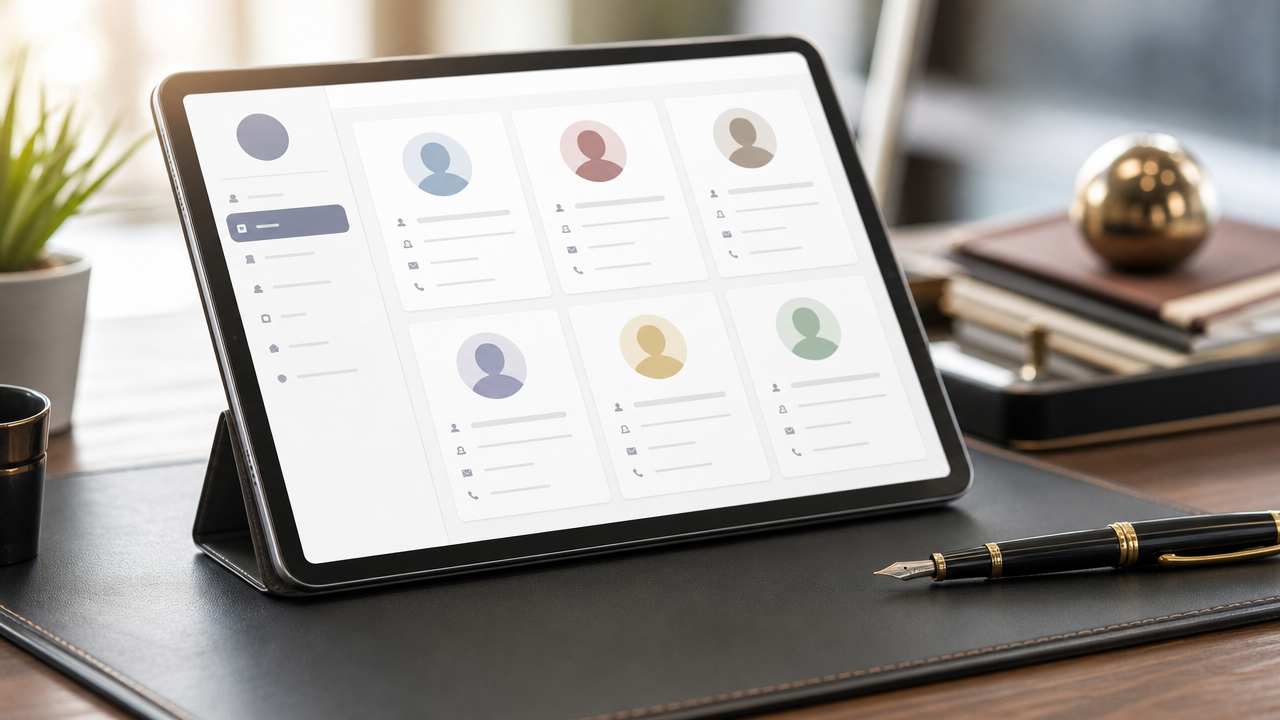
Profiling isn’t some mysterious algorithm. It simply means associating each name in the database with the information you actually need to do your job: what that contact asked for, when they last made a purchase, and what concerns they raised during that phone call three months ago. In practice, it’s like having an external memory that never forgets a conversation. Without this level of organization, you risk sending offers to existing customers or leaving a lead who’s reached out twice without a response.
CRM allows you to precisely track every customer activity, from lead generation through final conversion to post-sale support. It’s not just a list of names—it’s your strategic roadmap.
Why Inaccurate Data Costs You Money
Incorrect data leads to bad decisions. If your database says a customer is inactive when they actually called you yesterday, you’ll ignore them. If it classifies a lead as “hot” just because they accidentally downloaded a PDF, you’ll waste time chasing after them. You start marketing to people who aren’t interested, waste hours on off-target contacts, and maybe even send a promotional email about a service the customer has already purchased. At that point, you’re not selling—you’re just eroding your credibility.
Furious Squad puts it in black and white: automation reduces human error and ensures that information is always up-to-date and reliable. Less incorrect data means less time wasted correcting it.
How to Prevent Your CRM from Becoming a Data Graveyard
A CRM isn’t a dumping ground for everything. It acts as a filter: you should only enter what helps you close a sale or improve service. When you enter data manually, however, the risk is high. You fill out one field and forget another; you write “call back” without noting the reason; and three months later, that contact has become a ghost in the database.
The simplest solution is to capture data directly at the source. If you use an appointment scheduling system, customer information arrives in the CRM ready to go without you having to type a thing. If a lead messages you on WhatsApp, the conversation automatically ends up in their profile. No copy-pasting, no typos.
If you want to streamline this workflow without connecting five different tools, platforms like Leader24 combine lead qualification and conversation management in one place, eliminating the need to manually move data between tools.
Profiling and AI: Technology That Reads Behavior
Artificial intelligence isn’t meant to complicate things. It’s meant to identify patterns you wouldn’t have time to analyze. If your CRM notices that customers who message you on WhatsApp at 6 p.m. tend to convert faster than those who fill out the form at 10 a.m., you have concrete information on where to focus your efforts.
Be careful, though, to avoid a common mistake. AI4Business warns that if you change your strategy too abruptly—for example, by shifting from a B2B to a B2C target—old data can confuse the algorithm. During these transition phases, the model needs to be retrained, because you can’t expect the AI to figure out on its own that your market has changed.
Precision Marketing: Stop Shooting in the Dark
Precision marketing isn’t an advanced technique. It’s simply the opposite of the generic newsletter you send to all your contacts on Friday afternoons. Hand Factory puts it plainly: talk to your customers based on what they’ve already bought. Instead of sending the same message to five hundred people, send specific content only to those who’ve visited the pricing page in the last few days.
To do this, you need a CRM that automatically segments contacts based on actual behavior: pages visited, emails opened, requests submitted. Not based on labels you manually assigned six months ago.
The First Step to Get Started Today
Don’t try to digitize ten years of history. Start with the next customer who contacts you. Create a blank record, note their main need, mark the channel they came from, and write a line about the context. Keep detailed track of the next five conversations, and you’ll see the difference in time saved starting with the sixth one.
Frequently Asked Questions
How much time does it take to keep a CRM up to date?
If you enter data manually, it takes too long. If you use tools that capture information automatically, it only takes a few minutes a day. The trick is to avoid duplicating work: whatever the client writes on WhatsApp should end up in their record without you having to copy it.
What data do I absolutely need to track?
Name, referral channel, stated need, date of last contact, and outcome of the conversation. That’s all you need to get started. The date remains the most important field, because it tells you when to follow up without waiting for the client to reach out.
Is a CRM also useful for a professional practice with few clients?
Yes, perhaps a practice with few clients needs it even more. When client relationships are limited, every detail counts. Forgetting a piece of information in a conversation with a client who brings in significant revenue is a real loss. A CRM isn’t just a tool for multinational corporations—it’s a tool for those who can’t afford to make mistakes.
Leader24 Insights
If you’d like to learn more about how Leader24 addresses the topics covered, here are some resources to get you started:
Ready to transform your customer service?
Activate your AI assistant on WhatsApp in 5 minutes. 30-day free trial, no credit card required.
Fonti
Related articles
Telegram per lavoro: come proteggere documenti e chat aziendali
Usi Telegram per scambiare documenti con i clienti? Scopri come attivare le chat segrete, la verifica in due passaggi e gestire la sicurezza dei tuoi dati.

Perché il rallentamento dell'IA è un vantaggio per la tua azienda
I colossi tech rallentano lo sviluppo dell'IA: scopri perché questa prudenza rende i tuoi strumenti di automazione più stabili, sicuri e professionali.

Come semplificare il lavoro automatizzando i processi aziendali
Scopri come integrare i tuoi strumenti di lavoro, automatizzare le attività ripetitive e centralizzare le informazioni per eliminare il caos quotidiano.