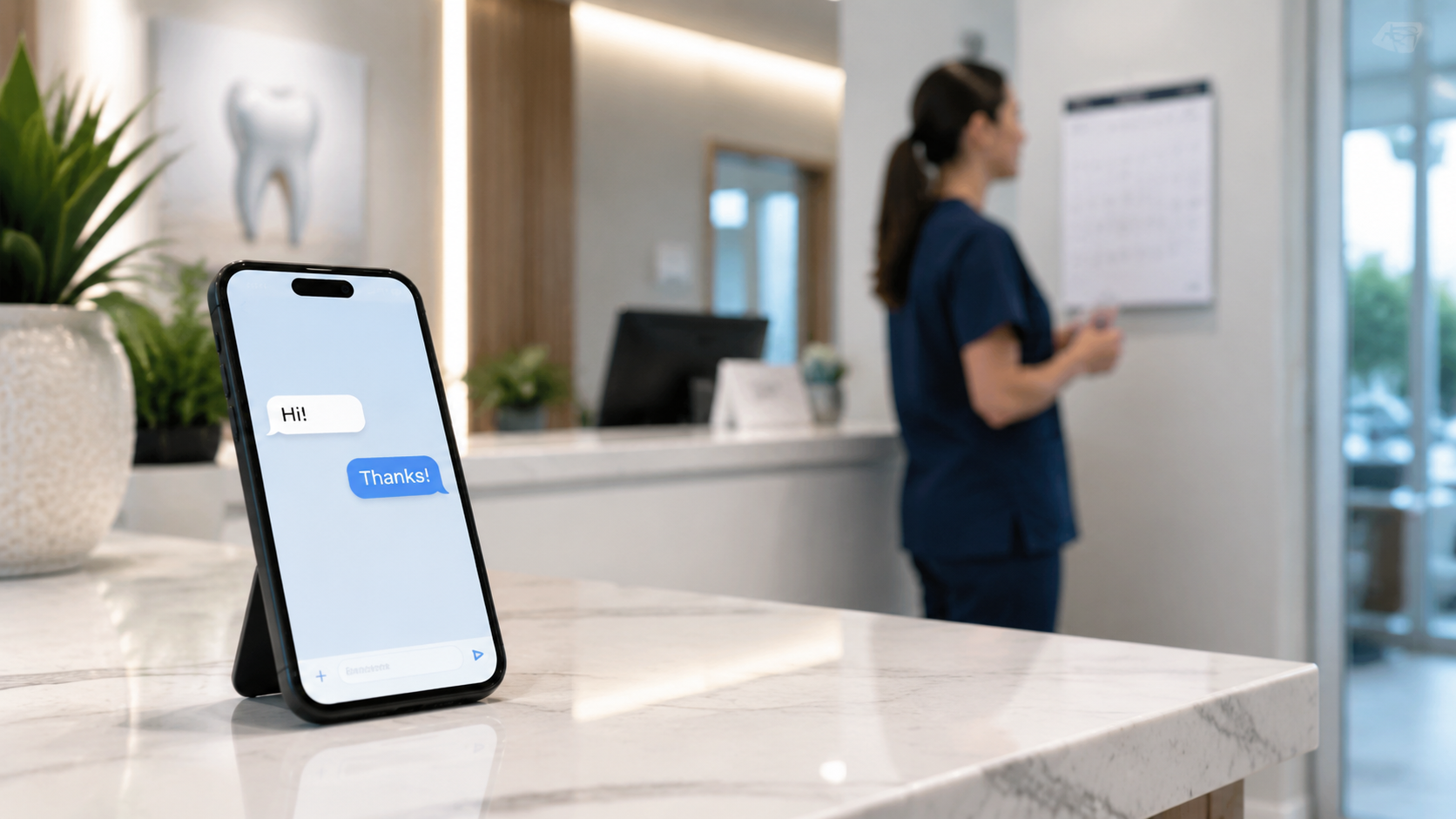
Dentists: How to Manage Appointments Using AI on WhatsApp
Find out how to streamline your dental practice management, reduce no-shows, and free up your front desk staff with AI automation on WhatsApp.
The office has been open for two hours. The receptionist has already hung up on three callers while trying to confirm the afternoon appointments. In the waiting room, one patient has been waiting for twenty minutes; another left without saying a word after checking his watch several times. The day began with a dental hygiene appointment canceled at the last minute, without any advance notice. This isn’t a particularly unlucky Monday, but rather a typical week at a dental office that still manages appointments using a paper calendar, the phone, and memory.
What you experience every day isn’t just operational chaos—it’s a fixed cost that generates no revenue. Much of this waste has a specific, measurable source, and you can eliminate it without having to hire additional staff. You don’t need more staff—you need a communication channel that your patients already use every day, even on weekends.
Why Your Practice Wastes Time (and Money) on Manual Appointments
Think of the receptionist on the phone with a patient who wants to understand a quote. Meanwhile, two more patients arrive in the waiting room, and the phone keeps ringing. If everyone is busy, who answers? No one. That missed call can easily turn into a new patient who, before long, will have already contacted the practice next door.
The problem isn’t the quality of the clinical work, but how the schedule is managed. Every gap in the schedule represents a fixed cost (rent, salaries, utilities) that remains unchanged without generating revenue. A practice with few appointments per day can lose up to 3–5 hours per week just due to no-shows (source: Appuntoo): hours during which the chair remains empty and the receptionist is chasing down patients on the phone instead of attending to those who are already there.
Why WhatsApp Has Become Patients’ Preferred Channel
Your patients no longer want to make phone calls: they prefer to send a quick message during their lunch break, without having to interrupt a meeting. Asynchronous communication—where everyone responds when they can—has become the standard.
The data confirms this. Reminders via WhatsApp have a much higher open rate than traditional text messages. Sending a simple confirmation message on WhatsApp means reaching the patient where they already spend most of their time. For this reason, automatic reminders via WhatsApp can reduce no-shows by up to 70%, as explained by Appuntoo. The result is fuller schedules and less stressed receptionists.
Interview: How Studio Dentistico Sorriso Transformed Its Patient Onboarding Process
Illustrative case study for explanatory purposes: the name and business are fictional and do not represent an actual Leader24 client.
We met with the owner of Studio Dentistico Sorriso, who told us how he integrated the platform’s AI assistant into WhatsApp to manage patient requests.
What prompted you to look for a way to automate conversations?
“We were overwhelmed. Calls would always come in during appointments: the phone would ring while we were performing an extraction or a filling, and we’d miss important requests. We wanted to provide immediate responses, even in the evenings or on weekends, because many patients message us after dinner to schedule a checkup or ask about a dental implant. With a paper appointment book and a receptionist who worked only until 6 p.m., we were leaving money on the table.”
How did you integrate the AI assistant on WhatsApp?
“We set up a dedicated WhatsApp number and linked it to the AI assistant. If a patient messages to schedule a checkup, ask about office hours, or find out how to prepare for a hygiene appointment, the AI responds in real time, with a natural and precise tone. If the request is more complex—for example, an implant estimate—the conversation automatically gets passed on to us. The great thing is that we didn’t have to change our phone number or hire anyone: the assistant has complemented our work without disrupting it.”
What concrete benefits have you seen in the front office?
“Less stress, in a word. The staff is no longer forced to answer the same questions ten times a day: where are you located, what time do you open, does the appointment last an hour? Stuff that used to take up precious minutes and throw the whole day off track. We’ve reclaimed hours that we now dedicate to better welcoming patients at the office and managing administrative tasks. And, above all, we’ve stopped losing new patients because no one answered the phone.”
How to Respond to Patients Outside of Business Hours
Modern patients look for information when they have time: in the evening after dinner, on Saturday mornings, or on Sunday afternoons. If they encounter silence or a read but unanswered message at those times, they’ll move on. Not out of rudeness, but because by the next day they’ll have already found another practice that responded.
An AI assistant on WhatsApp solves this problem without requiring you to work 24/7. The AI assesses the request, provides natural and accurate responses, and keeps the conversation going until your receptionist can pick it up the next morning. The patient feels heard, you don’t miss out on a potential appointment, and your competitors don’t take your business because of a missed response.
If you want to manage everything in one place without going crazy juggling different apps, Leader24 combines website chat and WhatsApp features into a single interface.
Which Tools to Integrate for Seamless Management
The AI assistant doesn’t work alone. It works best when connected to a few tools you already use or can evaluate.
- Your practice management system: This is your central database for patients and appointments. The AI can read your calendar and confirm available slots without errors.
- WhatsApp Business: The platform where you set up automation. The official API ensures that conversations remain secure and professional.
- An online booking tool (such as Calendly or similar): this allows patients to independently choose their preferred time, reducing the back-and-forth messaging with the front desk.
This isn’t about adding complexity. It’s about making sure these tools communicate with each other, so that a patient can message on WhatsApp on Saturday afternoon, receive confirmation for Tuesday at 10:00 a.m., and show up at the office without anyone having to pick up the phone.
How to Get Started Without Disrupting the Office’s Workflow
You don’t need a total overhaul. Start one step at a time.
Enable automatic reminders on WhatsApp. This is the feature with the greatest immediate impact: you reduce no-shows without asking the patient for anything other than a confirmation with a tap.
Set up automated responses for FAQs. Where you’re located, how to get there, what to do before a tooth extraction. Repetitive questions will stop weighing on your reception staff.
Consider a free trial. Many platforms, including Leader24, offer a 30-day trial—enough time to see if the system fits your workflow without any commitment.
Monitor and adjust. After a month, look at the numbers: how many appointments were rescheduled, how many fewer calls were received, and how much time the receptionist saved. The data will tell you whether it’s worth continuing and what to improve.
The first practical step for tomorrow morning
Before investing a single euro, grab a pen and paper. For two days, ask your secretary to write down every single phone call or message received and note the reason next to it: “schedule,” “quote,” “urgent,” “cancellation,” “directions.” If, at the end of the two days, simple inquiries exceed a certain percentage of the total, you have proof that an AI assistant would make a difference.
Your goal isn’t to eliminate human contact, but to free it from repetitive tasks. That way, you can devote your time, attention, and care to the person sitting in the chair—not to those who don’t answer the phone.
Frequently Asked Questions
Does the AI assistant respond in a way that’s too formulaic?
Do patients realize they’re talking to a robot?
No, not if it’s set up with a natural tone. You can customize the language to match your practice’s style, so that patients read phrases that are very similar to what your receptionist would write.
Do I need to change my phone number to use the AI on WhatsApp?
No. You can use the WhatsApp Business number you already have or activate a new one. The AI integrates with WhatsApp’s official API, without requiring new devices or SIM cards.
Partner Resources
On this topic, it may also be helpful to explore the work of editorial partners with complementary expertise (Creative agency for branding, design, and digital communication):
Leader24 Insights
If you’d like to learn more about how Leader24 approaches the topics covered, here are some resources to get you started:
Ready to transform your customer service?
Activate your AI assistant on WhatsApp in 5 minutes. 30-day free trial, no credit card required.
Related articles
Modelli multimodali: come usare immagini e AI nel marketing
Scopri come i modelli multimodali trasformano il marketing e l'assistenza clienti, analizzando immagini e testo per farti risparmiare tempo prezioso.

Simulazioni robotiche: innovare il magazzino con la realtà virtuale
Scopri come la simulazione digitale ti permette di testare layout e automazioni in magazzino, eliminando i rischi e ottimizzando i costi operativi.

Previsioni meteo e vendite: come adattare la tua attività ai cambiamenti
Scopri come le previsioni meteo influenzano le vendite e come usare dati, AI e strumenti digitali per ottimizzare scorte e comunicazione in negozio.