
How to Choose the Right Business Management Software for Your Company
Tired of hunting for data in emails and Excel spreadsheets? Find out how to choose the perfect business management software to streamline your work and save time.
It’s 7:30 p.m. and you’re in your office. You’ve just finished a consultation, and now the real work lies ahead: three invoices to issue, a tax deadline to check, and six WhatsApp messages from clients asking, “Where do we stand?” The problem isn’t the workload. The problem is that your data is scattered across three different places: your email, your phone, and an Excel spreadsheet you last opened last Tuesday. Choosing accounting software management software is designed to do exactly that: stop chasing information and start managing it. But the market is a maze of acronyms, features, and promises. This guide will help you choose without losing your mind.
What are your business’s real needs?
Before opening any comparison site, grab a blank sheet of paper. Write down the three tasks that take up the most time each day. Don’t be vague—be specific. “Creating invoices” isn’t a task. “Manually copying hourly data from an Excel sheet into the invoicing program” is. A labor consultant in Milan discovered that his bottleneck wasn’t accounting, but gathering information from clients: every month, he had to chase down 40 people via email and phone calls to get the necessary data. He chose software that includes a client portal where everyone uploads their own documents. He eliminated 15 hours of work per month. Don’t look for the management software that “does it all.” Look for the one that solves your number one problem. The rest will follow.
Is “all-in-one” software better, or a suite of specialized tools?
The short answer: it’s almost always better to integrate a few specialized tools than to adopt a single complex software solution that no one on the team will ever actually use. A communications agency in Turin tried using a comprehensive ERP system: after six months, only the owner was still using it. The others continued to rely on shared spreadsheets and WhatsApp. They changed their approach: project management software for projects, a separate invoicing system, and a tool to centralize client communications. Three tools, each excelling in its own area, all connected to one another. You can integrate a smart calendar that lets you schedule appointments without having to exchange ten emails. Similarly, a visual board helps you track project status without unnecessary meetings. An AI assistant can automatically respond on WhatsApp and the website, qualifying leads while you’re busy. Platforms like Leader24 centralize these conversations and filter leads, so you don’t lose a customer even when you’re in a meeting. The key is that data flows from one tool to another without you having to re-enter it manually. If you have to copy and paste between two software programs, you’ve chosen the wrong tools.
Why Ease of Use Beats Technical Complexity
Software that requires two weeks of training isn’t an investment—it’s a cost. And it’s a cost that repeats itself every time you hire someone or a colleague forgets how to perform a procedure. The learning curve must be short. Many companies find that a complex system can slow down work instead of streamlining it, and that simplicity is the most important criterion for ensuring rapid adoption by part of the team. If it takes ten clicks and three drop-down menus to issue an invoice, it’s not the right software for you. Look for clean, intuitive interfaces. During the demo, ask to see exactly the tasks you’ll be performing every day. If the person demonstrating the software gets lost in the submenus, imagine yourself at 6 p.m. on a Friday, rushing to close out a case.
The SaaS Model: Why It’s the Safest Choice to Start With
Cloud-based business management software, known as SaaS, runs through a web browser. You pay a monthly subscription fee, don’t install anything on your computer, and don’t have to worry about updates or backups. For most small businesses using management software for the first time, SaaS is the best choice. You can get up and running in just a few hours, maintenance is handled by the provider, and you always have the latest version at no extra cost. You can access your data from your office, home, or phone as long as you’re a subscriber. Another key difference: if your business has grown in two years and that software no longer meets your needs, you can switch providers without having wasted an initial investment in perpetual licenses or servers.
How to Evaluate Support and Scalability
The first-year price isn’t the true cost. What matters is how much you spend on support, customizations, and time lost when something goes wrong. Choosing business management software shouldn’t be based solely on the initial price. A low subscription fee is useless if you have to pay extra for every change or if technical support takes three days to respond. Here’s a practical test: during the trial period, contact support with a real issue. Ask how the software integrates with your accountant or how to export data if you decide to switch providers. If they respond within a few hours with a clear solution, you’ve found a partner. If they just send you a link to the manual, you’ve found a salesperson. Also make sure the software can scale with you. Today you have three employees, but in two years you might have eight. Adding users, features, or modules should be simple and free of hidden costs.
The Decisive Test: The Free Trial
Never buy business management software without testing it with your real data for at least 30 days. Not with demo data—but with your own invoices, your own customers, and your own workflows. Many platforms offer 30-day trial periods for this very reason: they let you see whether the software integrates naturally or feels forced into your daily workflow. During these 30 days, enter five real customers and simulate their entire cycle from initial contact to paid invoice. Then ask a colleague to use it for an hour without explaining anything to them: if they get stuck, the software is too complex. Finally, use it during a real workday, not during a quiet moment: on a Friday afternoon, not on a Monday morning. If, after 30 days, you’re still copying data from another program, it’s not the right business management software.
Frequently Asked Questions
How much does business management software cost for a small business?
It depends on the features and the number of users. SaaS plans start at a few dozen euros per month for basic features. Our advice is not to look only at the price, but at the total cost: include support, training, and setup time. Software that causes you to lose 10 hours of work costs you much more than software that works right away.
Should I choose software specific to my industry?
If your industry has very specific needs—such as managing construction projects or tracking batches in the food industry—vertical software may make sense. For most service-based businesses, a well-configured general-purpose business management system saves time and money without tying you to a niche provider.
What happens to my data if I switch software?
With a good SaaS business management system, the data remains yours. Before signing, make sure the contract allows for data export in a standard format like CSV or Excel. If the provider tells you that “the data is in the cloud and can’t be downloaded,” run the other way. The first step isn’t to look for the perfect software. Grab that blank sheet of paper, write down the three processes that waste the most time for you today, and look for a specific solution for the first one on the list. Start there, test it for 30 days, and only when it works should you move on to the next problem. There’s no such thing as perfect management, but there is management that lets you clock out at 6 p.m. instead of 8 p.m.
Leader24 Insights
If you’d like to learn more about how Leader24 addresses the topics covered, here are some resources to get you started:
Article written with the help of AI.
Ready to transform your customer service?
Activate your AI assistant on WhatsApp in 5 minutes. 30-day free trial, no credit card required.
Fonti
Related articles

Privacy per Piccole Imprese: Gestire i Dati in Modo Semplice
Gestisci i dati dei clienti senza stress. Scopri come organizzare le informazioni, proteggere la privacy e semplificare il tuo lavoro quotidiano.
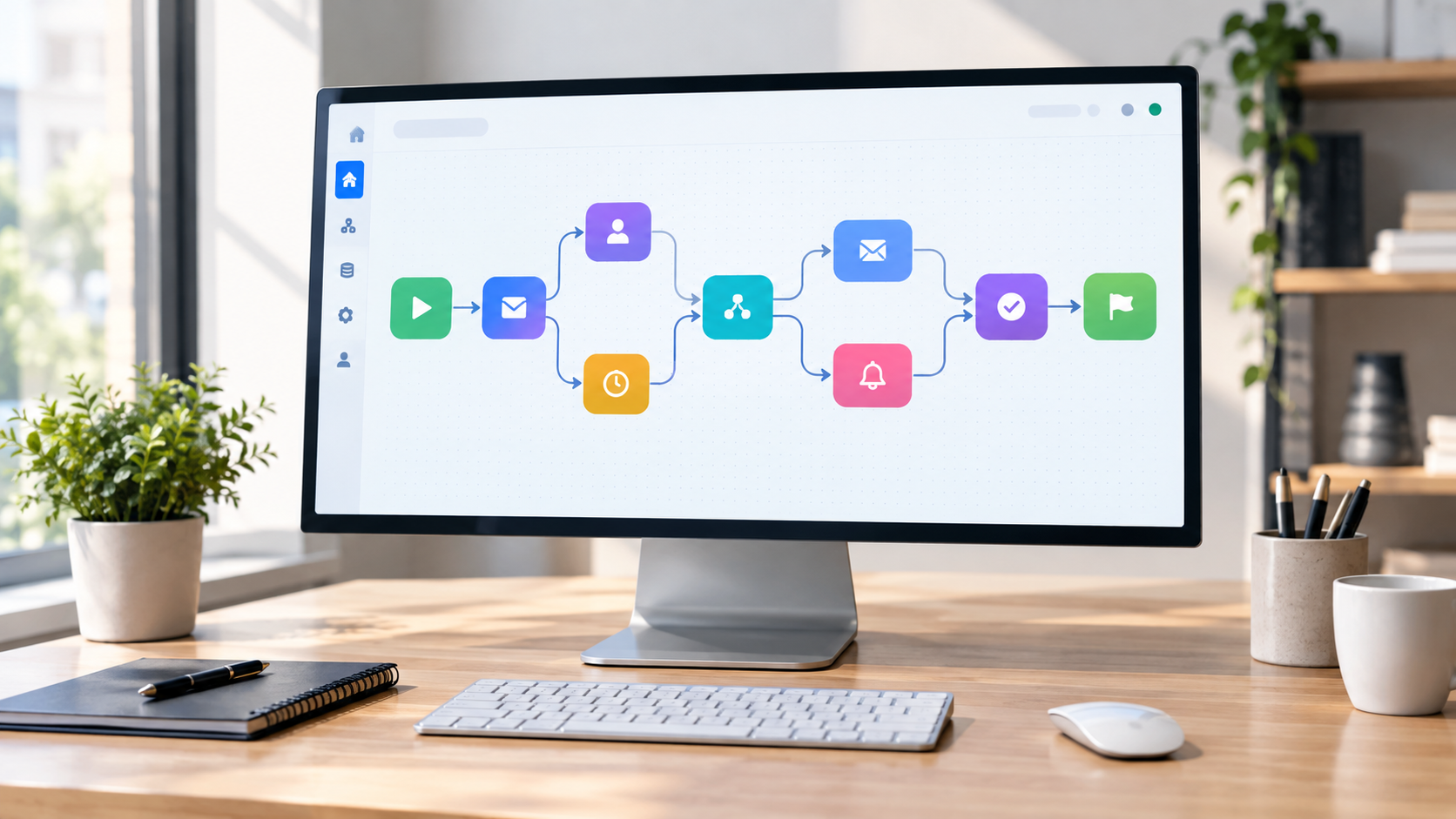
Workflow visivi: come automatizzare il lavoro senza programmare
Scopri come usare i workflow visivi e il no-code per automatizzare compiti ripetitivi, risparmiare tempo e far crescere la tua attività senza scrivere codice.

Multilingual Support for Businesses: How to Use AI to Drive Sales
Find out how to overcome language barriers with AI to manage international customers on WhatsApp and your website, ensuring a professional experience and quick responses.