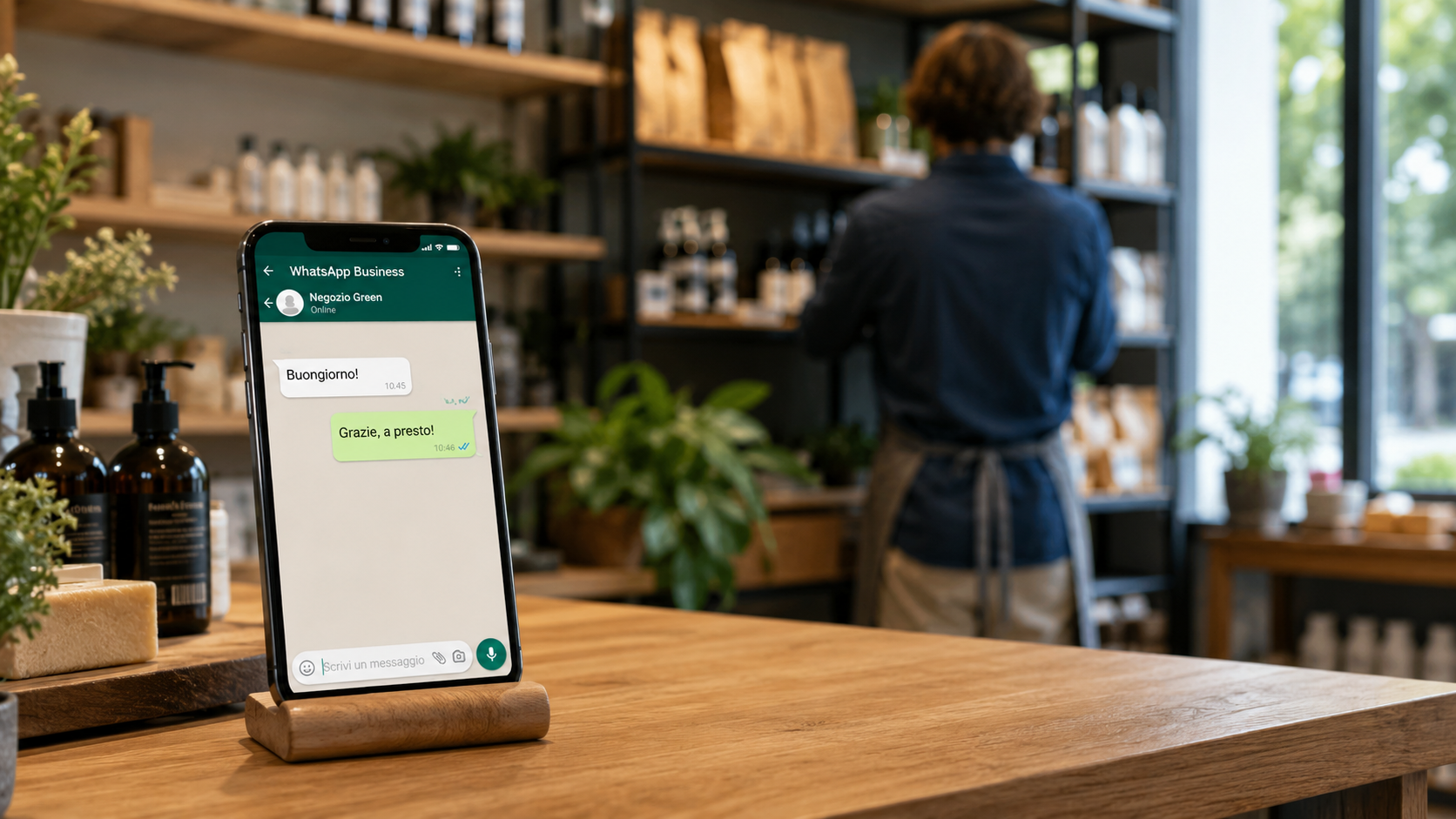
WhatsApp Business for Stores: Responses
Learn how to use WhatsApp Business to manage customer inquiries, automate responses, and optimize your time without losing in-store sales.
Your phone is in your pocket and it vibrates three times while you’re wrapping a purchase. You check it: one customer is asking if you have size 42, another wants to know what time you close on Saturday, and a third needs the price of a product in your window display. Do you reply right away? If you do, you’ll lose your train of thought with the customer in front of you. If you wait, you risk losing those customers. Let’s see how to use WhatsApp Business to respond faster, without turning every message into an interruption.
Why Speed on WhatsApp Makes a Difference for Your Revenue
Customers today expect an almost immediate response, as if they were right there in your store. It’s not just about making a good impression—it’s about keeping them from going to a competitor. Responding within 5 minutes makes you 21 times more likely to convert a lead than responding after 30 minutes. In practice, every minute that passes cuts the chances of that message turning into a sale in half.
You don’t have to be online 24 hours a day. You just need to be responsive when customers need you. And WhatsApp Business gives you simple tools to do just that—even if you’re not a tech expert.
How to Use Quick Replies So You Don’t Have to Type the Same Things Over and Over
Quick Replies are text shortcuts: you type a short command, and WhatsApp sends a complete message that you’ve prepared in advance. WhatsApp lets you create up to 50 of them per Business account. That’s more than enough to cover the most frequently asked questions about prices, hours, availability, and shipping.
Use easy-to-remember shortcuts: /info for hours and address, /price for the basic price list, /shipping for delivery times and costs. When responses are categorized this way, even a new employee can minimize errors and work more efficiently. Instead of typing “We’re located at 15 Via Roma, open Tuesday through Saturday from 9 a.m. to 7 p.m.” every time, just type /info and hit send.
Handling After-Hours Inquiries Without Losing Customers
When the store is closed, customers still need to know when they’ll receive a response. An automated welcome message scheduled for closing hours solves the problem in seconds: “Hi, thanks for reaching out. We’re closed, but we’ll get back to you tomorrow morning as soon as we reopen at 9 a.m." The customer feels valued and doesn’t think they’ve been ignored.
You set up this message once in the WhatsApp Business app, under Business Tools > Away Message. You can customize it with your store’s name and reopening time. Anyone who messages you at 10 p.m. already knows they’ll get a reply the next day, and you won’t find anxious messages waiting for you in the morning.
When WhatsApp Alone Isn’t Enough: The Help of Artificial Intelligence
If you’re getting more messages than you can handle—even with quick replies—you can automate part of the work. Today, there are artificial intelligence tools that independently answer the most common questions, leaving only the complex cases for you to handle. You don’t need to hire an assistant: an AI agent connected to WhatsApp can handle inquiries about availability, hours, and order tracking, while you continue serving customers in-store.
If you want a system that combines website chat and WhatsApp in one place to qualify leads without going crazy, Leader24 is a solution designed specifically to streamline this workflow. It doesn’t replace your personal touch, but it handles the volume when it exceeds your capacity.
Three Tools to Better Organize Your Daily Work
You don’t need dozens of apps. Three well-chosen tools cover most of a store’s needs.
- WhatsApp Business: the foundation for managing your business profile, quick replies, and automated messages. Use it to communicate with customers without mixing work and personal life.
- Calendly: If you schedule appointments (consultations, product trials, order pickups), this tool lets customers choose an available time slot without exchanging ten messages. You set the available time slots, and they book on their own.
- Trello: a digital bulletin board where you can note requests that require follow-up. Example: “Notify the customer when the new collection arrives,” “Call back to confirm size.” That way, you won’t lose track of anything.
The first step to get started today
Don’t try to change everything tomorrow. Open WhatsApp Business and create three quick replies for the questions you get most often: hours, prices, and location. Then set up an away message for when you’re closed. Test it for a week: you’ll see that the time spent responding goes down, and you’ll free up mental bandwidth to manage the store.
Start with these two steps—it’ll take you ten minutes. Then, if the volume increases, consider an AI assistant. But in the meantime, those ten minutes will make all the difference in your day.
Frequently Asked Questions
Is WhatsApp Business free?
Yes, the WhatsApp Business app is free and includes the main features: business profile, quick replies, automated messages, and labels to organize chats. Just download it and set it up with your store’s phone number.
Can I use WhatsApp Business on the same phone where I have my personal WhatsApp?
Yes, you can install both apps on the same phone, but you must use two different numbers: one for your personal account and one for your business account. If you only have one number, you can migrate your personal account to WhatsApp Business, but you’ll lose your personal chat history if you don’t back it up first.
Do quick replies also work on WhatsApp Web?
Yes, the quick replies you create in the app are also synced to WhatsApp Web and WhatsApp Desktop. You can use them on your computer by typing the command / followed by the shortcut you’ve set up, just as you would on your phone.
Leader24 Insights
If you’d like to learn more about how Leader24 addresses the topics covered, here are some resources to get you started:
Ready to transform your customer service?
Activate your AI assistant on WhatsApp in 5 minutes. 30-day free trial, no credit card required.
Fonti
Related articles

Privacy per Piccole Imprese: Gestire i Dati in Modo Semplice
Gestisci i dati dei clienti senza stress. Scopri come organizzare le informazioni, proteggere la privacy e semplificare il tuo lavoro quotidiano.

Workflow visivi: come automatizzare il lavoro senza programmare
Scopri come usare i workflow visivi e il no-code per automatizzare compiti ripetitivi, risparmiare tempo e far crescere la tua attività senza scrivere codice.

Multilingual Support for Businesses: How to Use AI to Drive Sales
Find out how to overcome language barriers with AI to manage international customers on WhatsApp and your website, ensuring a professional experience and quick responses.