How to Manage Restaurant Reservations Without Stress: A Practical Guide
Find out how to streamline reservation management at your restaurant, eliminate Friday-night chaos, and reduce no-shows with digital tools.
You know that moment on Friday night when the dining room starts to fill up and the phone just won’t stop ringing? WhatsApp messages and Instagram notifications keep coming in, and in the meantime, you have to figure out whether those customers at Table 7 actually made a reservation or just walked in. But chaos isn’t an inevitable fate: you can transform your reservation management into a system that supports you instead of keeping you running from one thing to the next. I’ll explain how to do it step by step, with practical tools and strategies you can put into action right away.
Why Is the “Pen-and-Paper” System Causing You to Lose Customers?
Manual management may seem sufficient when the restaurant is quiet, but it becomes unsustainable during peak hours. Double bookings, confusing schedules, and notes scattered across phone calls and messages make it difficult to get a clear picture of the evening. Every small mistake ends up costing you a customer: a couple that arrives and can’t find a seat because the time was written down incorrectly, or a group that booked through two different channels and takes up tables you could have assigned to others. Tension rises, service suffers, and the overall experience is compromised.
Proper planning with micro-shifts and dedicated floor management eliminates much of the stress during peak hours, as explained by Ristorazione Italiana Magazine. The point isn’t to work harder, but to better organize the flow of arrivals so that everything stays under control.
How to Centralize Reservations in One Place
The most important rule for overcoming chaos is to route every reservation to the same place, regardless of the channel through which it arrives. You need a single digital calendar, accessible from both your computer and smartphone, that shows you in real time which tables are occupied and which are still available. This way, whether a customer calls, messages you on Facebook, or uses the website form, everything ends up in the same calendar, and you avoid double bookings.
A tool like Qromo allows you to consolidate requests from different channels, so you don’t risk assigning the same table twice. The most immediate benefit is peace of mind: you open the calendar, look at the evening’s schedule, and already know how to organize yourself without any surprises.
Automate Responses: Reduce Interruptions While You Work
During service, every minute spent on the phone is a minute taken away from the customers already in your dining room. Automating initial responses allows the system to handle the most common questions about hours, allergens, and availability without you having to be constantly interrupted. The digital assistant takes charge of the request, qualifies it, and leaves you with only the final confirmation step.
This way, you don’t miss out on reservations while you’re busy in the kitchen or resolving an issue at a table. If you want to manage everything in a single, hassle-free platform, a solution like Leader24 helps you automatically coordinate conversations on WhatsApp and your website, qualifying requests 24 hours a day.
How to Reduce “No-Shows” (Customers Who Don’t Show Up)
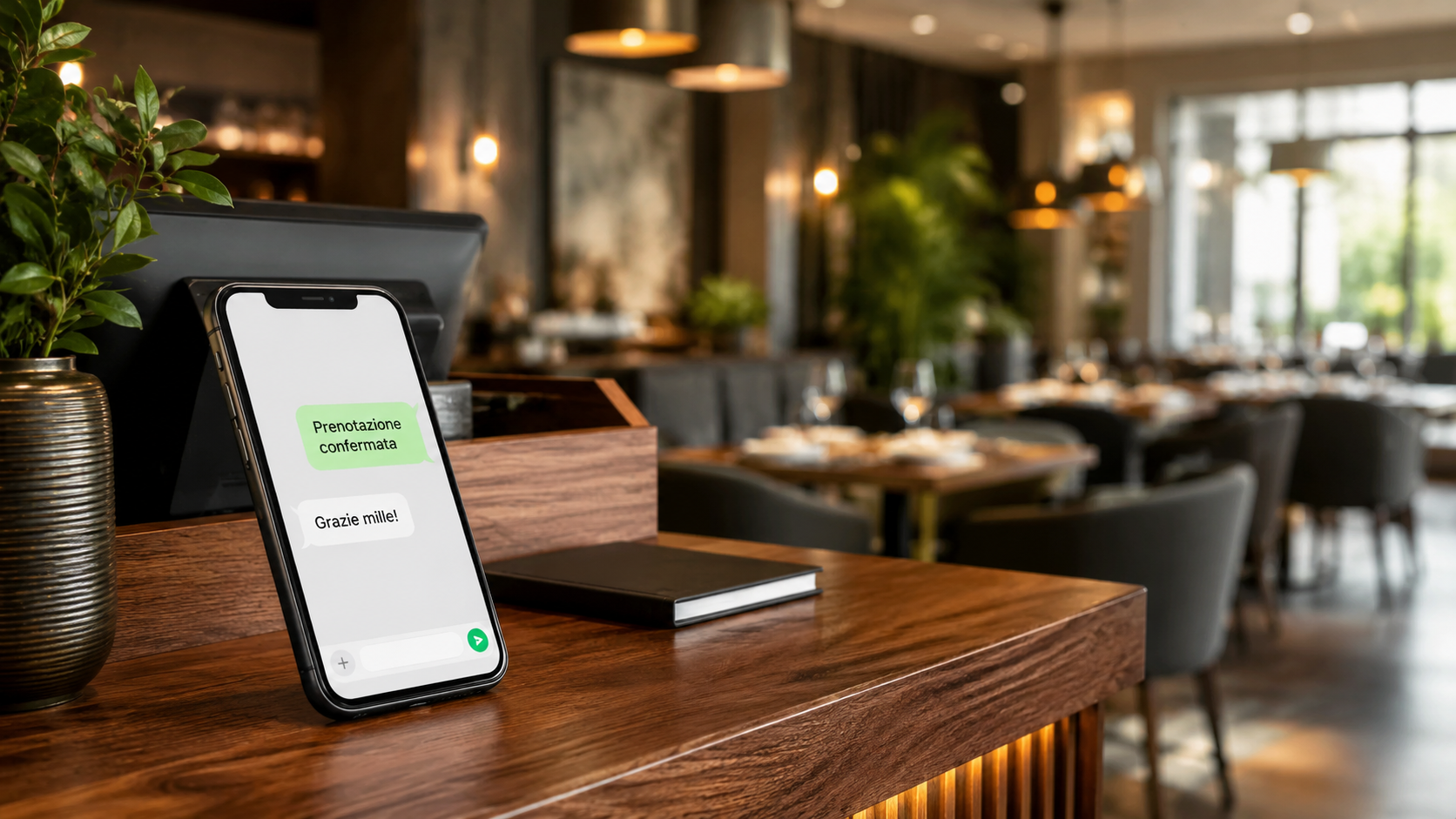
An empty table is one of the most costly problems for a restaurant owner: you’ve turned down other reservations, set the table, and in the end, no one shows up. The loss is twofold because you lose both the cover charge and the opportunity to have assigned that table to someone else. The most effective strategy is to send an automatic reminder 24 hours in advance, via text message or WhatsApp, with a simple message asking for confirmation.
If the customer doesn’t respond, you can contact them again before releasing the table. As suggested by Le Bussole Confcommercio, integrating the reservation system with a virtual POS to request a deposit acts as a deterrent without discouraging genuinely interested customers.
Use Google’s “Book” button to get noticed
When someone searches for a nearby restaurant on Google, the “Book a Table” button is the most direct path from the search to your restaurant. If you don’t have it enabled, you’re effectively leaving the field open to competitors who do use it. Linking that button to your management software means reservations go straight into your digital calendar without having to manually enter the data.
MyTec highlights how this step improves both the organization and profitability of your restaurant, reducing administrative work and increasing actual seat turnover.
Organizing the Dining Room: Coordination Is Key
Even with the most advanced software, you still need someone to coordinate the dining room during service. Someone must manage arrivals, clearing tables, and reassignments so that the flow remains steady and delays don’t pile up. Technology frees up your time, but the customer experience still depends on the ability to manage the dining experience with care.
If a table becomes available earlier than expected, the manager decides whether to move up the next reservation or maintain a buffer to give the staff some breathing room. These are decisions that require a human touch and sensitivity. The most practical advice is to assign this role to a dedicated person, especially on the busiest nights, so you can focus on everything else.
Frequently Asked Questions
How much does reservation management software cost?
It depends on the number of features and the size of the restaurant. There are simpler solutions with affordable plans and more comprehensive ones with higher costs. The sensible approach is to start with a tool that meets your immediate needs—such as a digital calendar and automatic reminders—and add features later. Many management systems allow you to try them out for a period with no obligation.
Do I have to stop taking reservations over the phone?
You don’t have to get rid of the phone—just integrate it into the system. Calls will still come in, especially from regular customers. The difference is that when you answer, you immediately enter the details into the digital calendar instead of jotting them down on a piece of paper. This way, even phone reservations become part of a single, unified system, and you don’t run the risk of forgetting them.
How do I handle reservations for large groups?
Large groups require special attention: you need to know how many people are in the group, if there are any allergies or food intolerances, and if they prefer a set menu. Setting up a specific request form on your website for groups above a certain size allows you to gather all this information before confirming the reservation. This way, you’ll be prepared and minimize surprises.
The first step to take today
You don’t need to change everything in a single night. Choose just one channel—for example, your website—and set up an automated booking system with SMS confirmation. Your goal for next week could be to eliminate at least one booking call per day, letting the system handle the administrative tasks. Every minute you save is a minute you can spend cooking better and welcoming your customers with greater peace of mind.
Leader24 Insights
If you’d like to learn more about how Leader24 addresses the topics covered, here are some resources to get you started:
Ready to transform your customer service?
Activate your AI assistant on WhatsApp in 5 minutes. 30-day free trial, no credit card required.
Fonti
Related articles
Privacy per Piccole Imprese: Gestire i Dati in Modo Semplice
Gestisci i dati dei clienti senza stress. Scopri come organizzare le informazioni, proteggere la privacy e semplificare il tuo lavoro quotidiano.
Workflow visivi: come automatizzare il lavoro senza programmare
Scopri come usare i workflow visivi e il no-code per automatizzare compiti ripetitivi, risparmiare tempo e far crescere la tua attività senza scrivere codice.
Multilingual Support for Businesses: How to Use AI to Drive Sales
Find out how to overcome language barriers with AI to manage international customers on WhatsApp and your website, ensuring a professional experience and quick responses.