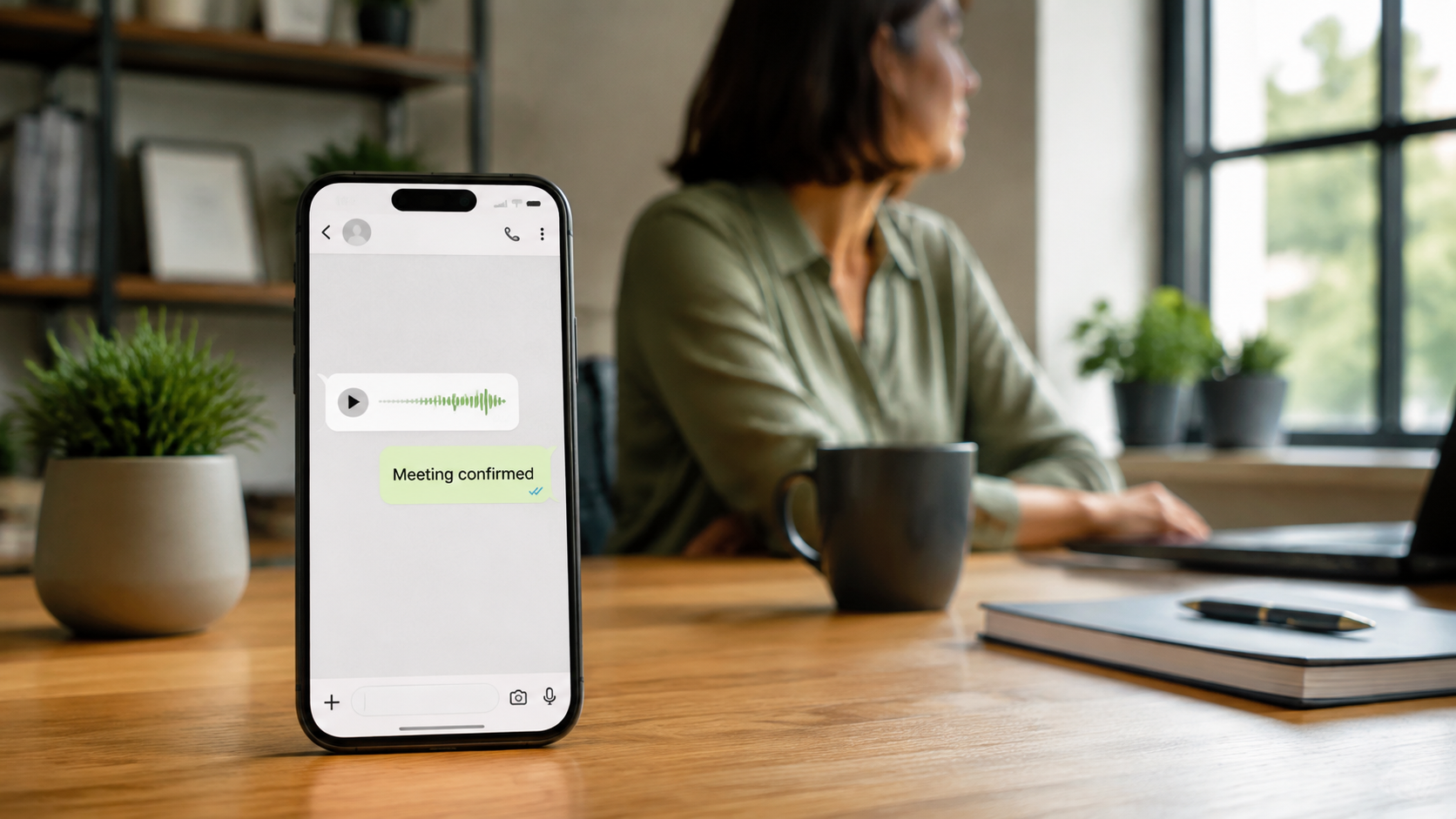
Converting Voice Messages to Text: How to Save Time Every Day
Learn how to convert voice messages to text to better handle customer requests, save valuable time, and improve your productivity.
You’re in the middle of a meeting when your phone vibrates. A client has sent you a three-minute voice message. You can’t listen to it right then, and you don’t know if it’s something urgent or just small talk. Until you open it, that uncertainty lingers, disrupting your train of thought.
Converting voice messages to text isn’t just a convenience. It lets you quietly read what you previously had to listen to, respond accurately, and save actual time in your day. Basically, you no longer have to wade through pauses, repetitions, and various filler words.
Why Reading Text Is Faster Than Listening to Audio
Reading a message gets you to the point in just a few seconds. You don’t have to keep track of pauses, repetitions, or the “so” and “I mean” that fill up voice messages. Scanning text lets you immediately extract key information: dates, numbers, and specific requests.
The benefits become tangible when the number of voice messages increases. A professional who receives 20 voice messages of 2–3 minutes each per week saves over 2 hours a month simply by reading instead of listening. Two hours that are freed up in your day—not spent replaying messages. Reading also allows you to respond more effectively, because you can reread the request, check the details, and write a precise reply without having to rewind the audio multiple times.
How to Handle Customer Requests When You’re Busy or in a Noisy Place
Automatic transcription lets you get work done anywhere. On a train, at a noisy construction site, during an appointment: you don’t have to wait for a quiet moment or wear headphones. A technical support specialist receives a voice message with details about a malfunction, reads the transcript, understands the problem, and responds in just a few lines while still attending to another customer.
WhatsApp’s native transcription feature, as explained in this Corriere article, works directly within the app. You enable it in the settings, and from that point on, every voice message you receive becomes readable. For audio files received through other channels, you can use dedicated tools that convert audio to text in just a few seconds.
When to Reply with Text Instead of Another Voice Message
Reply via text when you need to communicate specific details: a quote, a time, or an address. The client should be able to reread it easily. Text messages are also searchable, so if a week later the client asks, “What did we agree on?”, finding a written message takes just a few seconds.
To schedule appointments, use text to confirm. This avoids the back-and-forth of voice messages trying to find the right time: list two options, the customer replies with a letter, and you’re all set in a minute. No phone calls, no crossed voice messages.
How to Integrate AI to Manage Conversations Professionally
AI isn’t just for transcription. It can make sense of client requests in real time. An AI assistant on your website or WhatsApp can immediately answer repetitive questions, qualify leads, and let you step in only when necessary. Your role shifts from “your own secretary” to “relationship manager,” allowing you to focus on the customers who really matter.
Many professionals find they spend more time sorting through messages than actually working. Eliminating the burden of repetitive requests is a direct way to reclaim your time, without having to respond to everything yourself.
What Tools to Use to Get Started Right Away
You don’t need complex software. Start with something that integrates into your daily workflow.
- WhatsApp: Turn on voice message transcription in the settings. It works for messages you receive, without any additional apps.
- A voice note app: When you’re in the car, dictate notes and convert them to text to send via email or chat.
- For long audio files or meetings: Use a dedicated transcription tool like Transkriptor. Upload the audio and get a text transcript ready to archive or edit.
There’s no need to spend all day setting up tools. Choose one, get started, and add more only if you really need to.
When Transcription Isn’t Enough
Transcription loses its value when tone matters. An angry customer who sends you a voice message needs to hear your voice, not a written response. In these cases, listen to the original audio or call them directly. Transcriptions are for quick understanding, not for replacing empathy.
Even highly technical messages or those full of specific terms can be transcribed poorly. If the text is incomprehensible, go back to the audio. Don’t blindly trust a transcription full of errors.
The First Step to Take Today
Choose just one channel, such as WhatsApp. For the next three days, don’t listen to any voice messages longer than 30 seconds—use only the transcription. You’ll quickly realize how much time you save and how your responses become faster and more structured. Start here—it only takes a few minutes to set up the feature. Don’t try to change everything tomorrow; change just one thing and make it a habit.
If managing dozens of voice messages and texts takes up too much of your time, Leader24 can help lighten the load: it responds to customer inquiries on WhatsApp and the website, qualifies leads, and lets you step in only when it’s really necessary.
Frequently Asked Questions
Does automatic transcription work in Italian too?
Yes, and on many transcription tools. You’ll need to enable it in the app’s settings. The quality is good for standard messages, but less so for technical terms or very specific dialects.
Can I use transcription for long meetings or interviews?
Yes, but for long files, it’s better to use a dedicated tool rather than a chat. You upload the audio and get a text ready to archive or edit.
Do clients prefer voice messages or text?
It depends. Many clients prefer to receive text messages because they can reread them whenever they want. If you respond with clear text, you’ll gradually encourage them to do the same.
Turning voice messages into text is one of those small habits that free up unexpected pockets of time throughout your day. Start with just one channel and let the time you save become your tool for responding better—not just faster.
Leader24 Insights
If you’d like to learn more about how Leader24 addresses the topics covered, here are some resources to get you started:
Article written with the help of AI.
Ready to transform your customer service?
Activate your AI assistant on WhatsApp in 5 minutes. 30-day free trial, no credit card required.
Fonti
Related articles

Creatività veloce: come comunicare meglio senza perdere tempo
Scopri come creare campagne efficaci per la tua piccola impresa senza stress, puntando su messaggi autentici e sistemi di gestione automatizzati.
Privacy per Piccole Imprese: Gestire i Dati in Modo Semplice
Gestisci i dati dei clienti senza stress. Scopri come organizzare le informazioni, proteggere la privacy e semplificare il tuo lavoro quotidiano.
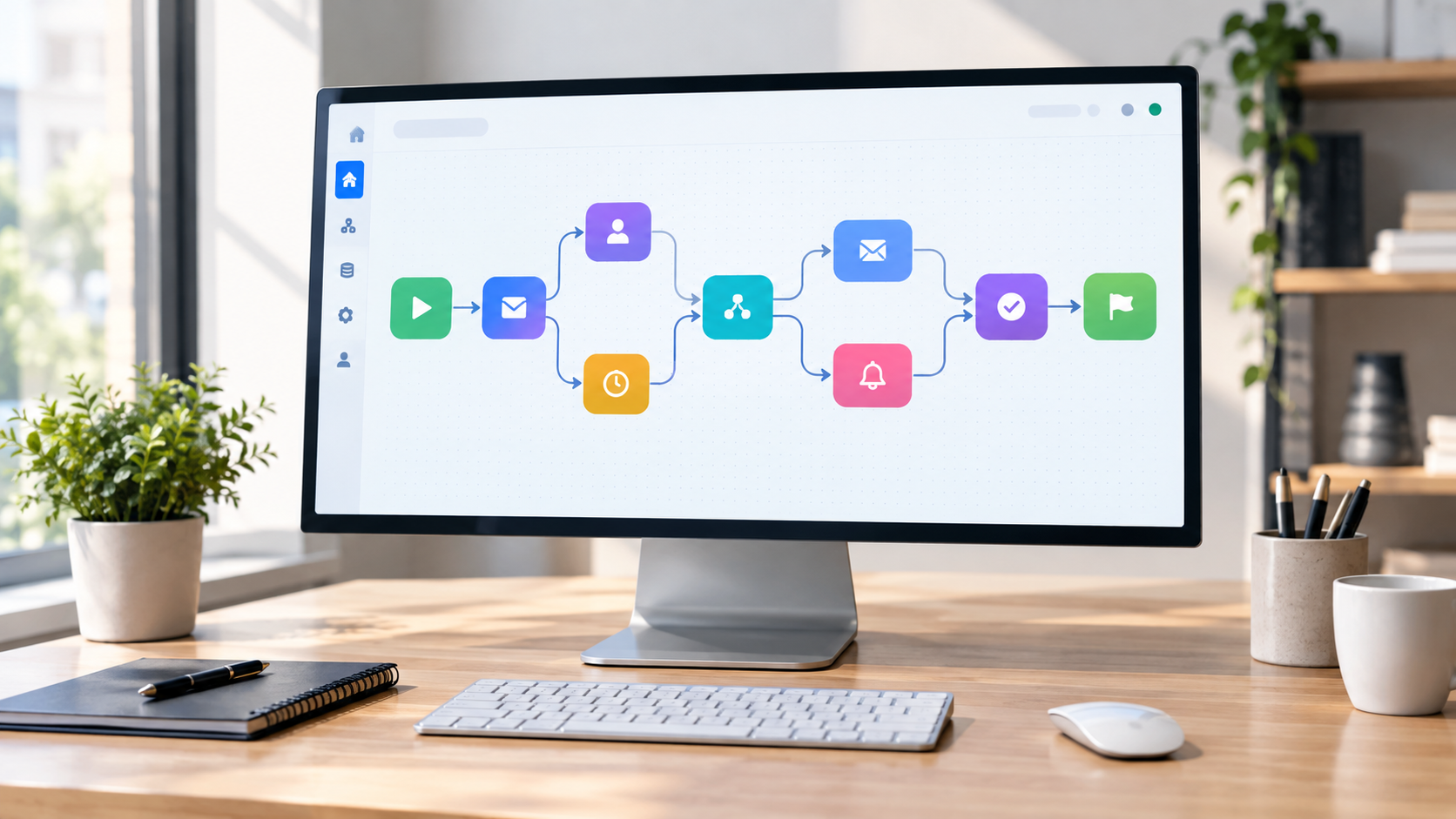
Workflow visivi: come automatizzare il lavoro senza programmare
Scopri come usare i workflow visivi e il no-code per automatizzare compiti ripetitivi, risparmiare tempo e far crescere la tua attività senza scrivere codice.