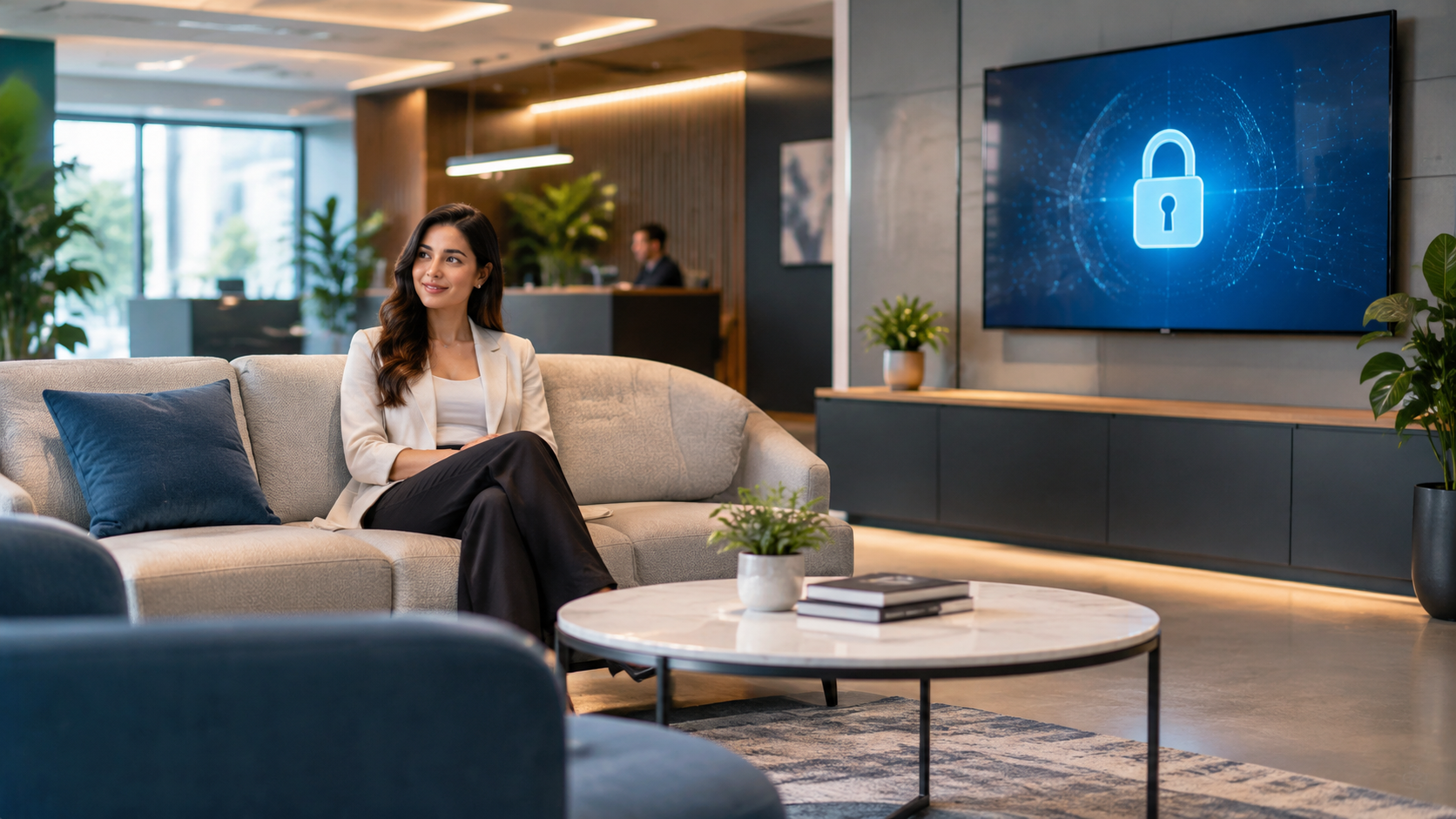
Smart TVs in the Office: How to Protect Your Customers' Privacy
A Smart TV in the waiting room can compromise data security. Learn how to set up your devices correctly and protect your practice's network.
You know that moment when a customer is waiting in the waiting room, glances up at the screen, and you think you’ve solved the entertainment problem? Too bad that Smart TV, while showing promotional videos, is also collecting data on who’s watching, tracking habits, or staying connected to your unprotected Wi-Fi network. For a professional, this isn’t just a technical detail—it’s a potential risk to client confidentiality. Let’s explore how to manage technology in the office without turning the waiting room into a privacy vulnerability.
Why Can a Smart TV in the Waiting Room Become a Privacy Issue?
Modern Smart TVs function like computers connected to the internet. To operate, many require you to accept terms of service that include tracking your viewing habits. If the TV is connected to the same Wi-Fi network you use to manage sensitive client data—such as invoices or medical records—you create a digital bridge between entertainment and confidential information. The Cyber Resilience Act requires manufacturers to report actively exploited vulnerabilities and serious incidents that affect the security of digital products, but the responsibility for office configuration remains yours. If your TV collects data without your knowledge, the problem isn’t the manufacturer—it’s you leaving the door open.
What are the real risks to your clients’ data?
The main risk isn’t a complex cyberattack, but an unintentional data leak. Some smart TVs have built-in microphones or cameras that, if not disabled, can record ambient conversations. If you use unverified streaming apps, you expose your office network to known vulnerabilities. The AI Act classifies systems that can compromise fundamental rights as high-risk, and a “smart” TV that collects data without your direct control violates this principle of prudence. You don’t need a hacker—all it takes is a misconfigured device to turn the waiting room into a surveillance point.
How to Properly Configure Your TV to Protect Your Practice
You don’t have to get rid of the technology. You just need to isolate it. Here are three practical steps:
- Create a guest network: Configure your practice’s router to have a separate Wi-Fi network dedicated exclusively to devices like smart TVs. That way, even if the TV is compromised, client data remains on a separate network.
- Disable unnecessary smart features: Go into the TV’s privacy settings and disable voice recognition, personalized ads, and usage data sharing. These options are often enabled by default.
- Update the firmware: Periodically check that the TV’s software is up to date. Updates patch known security vulnerabilities. Enable automatic updates if available.
Beyond the TV: How to Handle Client Inquiries Securely
Often, the TV in the waiting room is used to entertain clients while they wait. But the real added value for your practice isn’t the video playing—it’s how quickly you respond to their questions. If you manage appointments, quotes, or inquiries through unsecured channels, you risk exposing sensitive data. You can centralize communications in a secure environment. For example, Leader24 lets you manage requests via WhatsApp or your website in a structured way, qualifying leads without having to chase down scattered chats or insecure emails. This reduces the risk of exchanging sensitive information on uncontrolled channels.
When Is It Time to Simplify Communication with Customers?
If your staff spends hours answering the same questions over the phone while customers wait in the lobby, you have a management problem, not an entertainment problem. Simplifying means adopting solutions that automate basic responses, leaving only the most complex issues for your team to handle. An AI-powered customer service platform on WhatsApp can manage digital onboarding and lead qualification in an organized manner. This reduces staff stress and improves the firm’s image of professionalism, because clients receive quick responses without hearing the phone ring endlessly.
The First Step to Take Today
Don’t wait for a crisis to check your digital infrastructure. Here’s the first concrete step: disconnect the Smart TV from the office’s main network and set up a dedicated network. Then take a few minutes to review the TV’s privacy settings. If you can’t disable data tracking, consider whether it’s really necessary to keep it connected to the internet. Protecting your clients’ data starts with the small technical choices you make every day. You don’t need to be a cybersecurity expert—just use common sense and isolate devices that don’t need access to sensitive data.
Frequently Asked Questions
Is a Smart TV in the waiting room always a risk?
Not always. If you keep it disconnected from the internet and use it only to play content from a USB flash drive, the risk is practically zero. The problem arises when it’s connected to the practice’s network and configured with factory settings.
Do I have to throw away the smart TV and buy a regular one?
No. You can keep it, but you must isolate it on a guest network and disable all smart features you don’t need. If you can’t disable tracking, consider using it offline or replacing it with a non-smart monitor.
What does privacy have to do with client management?
A lot. If you use unsecured channels to communicate with clients—such as unencrypted email or WhatsApp on a network shared with insecure devices—you’re exposing sensitive data. Centralizing communications in a secure environment reduces risk and improves efficiency.
Leader24 Insights
If you’d like to learn more about how Leader24 addresses the topics covered, here are some resources to get you started:
Article written with the help of AI.
Ready to transform your customer service?
Activate your AI assistant on WhatsApp in 5 minutes. 30-day free trial, no credit card required.
Fonti
Related articles

AI per le imprese: come automatizzare WhatsApp e risparmiare tempo
L'AI è una bolla o un'opportunità? Scopri come automatizzare le risposte su WhatsApp per gestire i clienti e recuperare tempo prezioso per la tua attività.
Telegram per lavoro: come proteggere documenti e chat aziendali
Usi Telegram per scambiare documenti con i clienti? Scopri come attivare le chat segrete, la verifica in due passaggi e gestire la sicurezza dei tuoi dati.
Perché il rallentamento dell'IA è un vantaggio per la tua azienda
I colossi tech rallentano lo sviluppo dell'IA: scopri perché questa prudenza rende i tuoi strumenti di automazione più stabili, sicuri e professionali.