
How to Create Visual Workflows to Automate Your Work
Learn how to automate business processes without writing code, using visual workflows to save time and better manage your customers.
It’s 7:00 p.m. and you’re at the office when a potential client messages you on WhatsApp to ask for an urgent quote. You’re stuck in a meeting, and the message sits there unanswered. After a few minutes, the client gets frustrated and contacts your competitor. This isn’t a technological problem—it’s a workflow that can’t keep up with the real-world pace. The good news is that you can fix this without hiring a programmer and without writing a single line of code: visual workflows let you connect the apps you already use, as if you were stacking building blocks on a screen.
What Visual Workflows Really Are and Why You Need Them
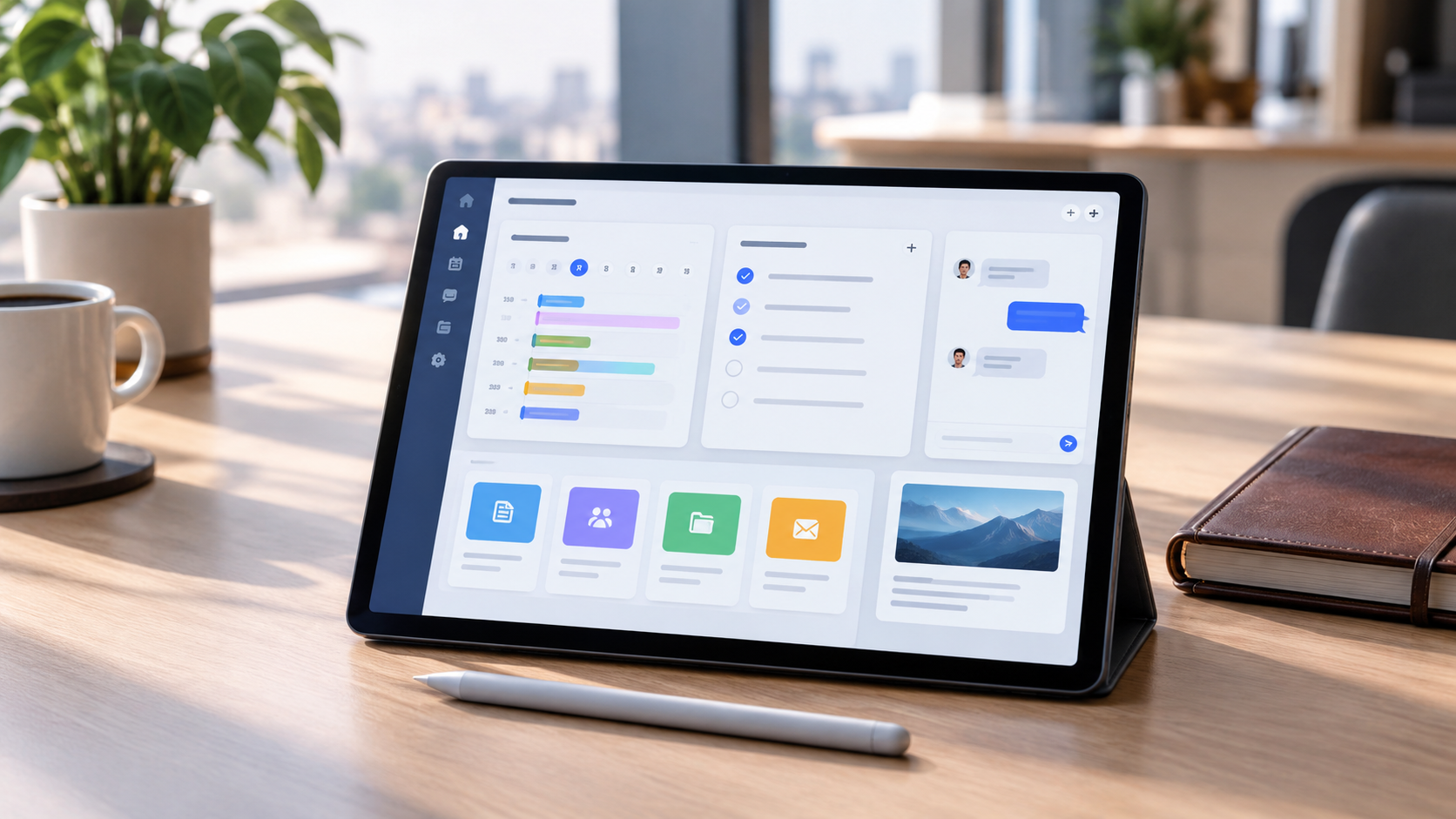
A visual workflow is simply an interface where you drag and drop icons, set conditions, and tell the computer what to do for you. Instead of writing code, you map out the process you want to automate. This way, you connect different applications and trigger automated actions without having to manage them manually every time. The main benefit is the mental bandwidth you free up: you stop copying data back and forth and sending manual confirmations, so you can focus on the work that truly requires your attention.
Which processes can you automate right away (without going crazy)?
Start with tasks that repeat exactly the same way multiple times a day. When a new lead comes in from your website or WhatsApp, the system automatically saves it to your CRM and notifies you. Before spending time on a phone call, you can have the client answer a few targeted questions that filter out the truly interesting requests. If you’re a consultant, link the website form to a calendar: the client chooses a time, receives the video call link, and you’ll find the appointment already scheduled in your calendar—no copying and pasting required.
How to Start Building Your First Flow (Without Code)
To create a flow, you need three elements that you’ll find on all visual platforms. The trigger is what sets everything in motion, such as a WhatsApp message or a form submission. The action is what happens next—for example, saving data or sending an automated response. The destination specifies where the information ends up, whether it’s a notification on your phone or a record in your customer management system. Tools like Make let you connect thousands of apps using a drag-and-drop editor, while n8n offers more granular control over each step—all without writing code.
The Role of AI: When Workflows Become Intelligent
A traditional workflow follows fixed rules: if A happens, do B. With artificial intelligence, the workflow can interpret content and make more nuanced decisions. A system that reads customer emails, for example, can distinguish an urgent complaint from a routine request and route it to the right person. If you want to manage this type of automation in customer conversations without having to build everything from scratch, Leader24 is the solution that combines live chat, WhatsApp agents, and lead qualification into a single, ready-to-use tool.
Mistakes to Avoid When Creating Your Automations
Don’t automate chaos: if your current process is confusing, automation will only make it faster, not more effective. First, take some time to clarify the steps, remove unnecessary ones, and define who does what. Don’t forget the human element either: automation handles repetitive tasks well, but special cases should always be handed off to a real person. A good workflow therefore includes a clear handoff: when the system doesn’t know how to proceed, it alerts you and hands the conversation over to you.
The First Practical Step for Tomorrow Morning
Choose just one task that takes you more than half an hour a day and map it out on a piece of paper. Indicate the trigger, the actions, and where the data should end up. Once the process is clear, open a visual workflow platform and connect the apps you already use. Test the workflow for a couple of days, and only then decide whether to expand it. Technology is a means, not an end: start small and grow gradually.
Frequently Asked Questions
Do I need to know how to code to use visual workflows?
No. No-code platforms are based on graphical interfaces where you drag and drop blocks and set conditions via menus. If you know how to use a spreadsheet, you can build an automated workflow without any trouble.
How much does it cost to get started with automation?
Many tools offer free plans with a limited number of monthly operations, which are enough to test your first workflows. As your volume grows, paid plans start at prices that are affordable for a small business.
Can I connect WhatsApp to a workflow?
Yes. Most platforms support integration with WhatsApp Business via API, allowing you to set up automated replies, save contacts, and qualify leads without manual intervention.
Leader24 Insights
If you’d like to learn more about how Leader24 addresses the topics covered, here are some resources to get you started:
Article written with the help of AI.
Ready to transform your customer service?
Activate your AI assistant on WhatsApp in 5 minutes. 30-day free trial, no credit card required.
Fonti
Related articles

Telegram per lavoro: come proteggere documenti e chat aziendali
Usi Telegram per scambiare documenti con i clienti? Scopri come attivare le chat segrete, la verifica in due passaggi e gestire la sicurezza dei tuoi dati.

Perché il rallentamento dell'IA è un vantaggio per la tua azienda
I colossi tech rallentano lo sviluppo dell'IA: scopri perché questa prudenza rende i tuoi strumenti di automazione più stabili, sicuri e professionali.
Come semplificare il lavoro automatizzando i processi aziendali
Scopri come integrare i tuoi strumenti di lavoro, automatizzare le attività ripetitive e centralizzare le informazioni per eliminare il caos quotidiano.