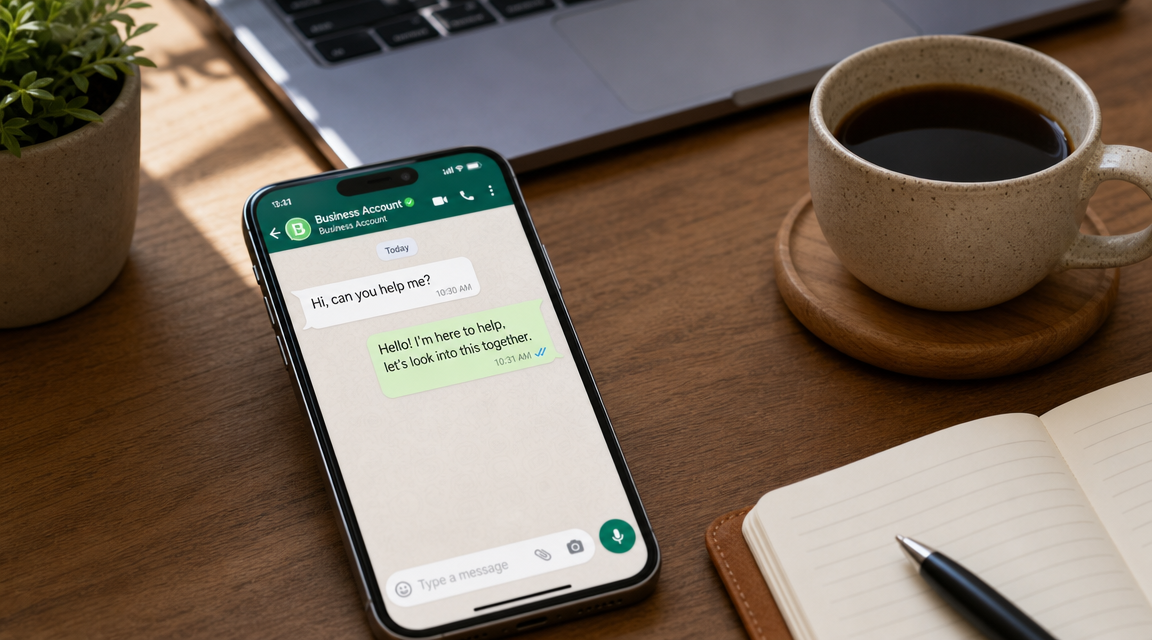
WhatsApp auto-replies: how to stay human with customers
Learn how to use automated responses on WhatsApp Business to handle customers without sounding like a robot, while maintaining professionalism and human warmth.
Immersed in a tax filing or with your hands in an electrical panel, you hear your phone vibrate for the umpteenth time. It's 11 a.m. and you've already received a dozen messages on WhatsApp: some are quote requests, some are questions about schedules, and some are customers asking for updates. If you respond with a cold, standardized message, you risk sounding like an anonymous switchboard. If you don't respond, that potential customer moves on to the competition within minutes.
What I'm showing you is how to use automated responses not to put up a wall, but to build a bridge: the same reliability as a personal assistant, with the warmth of someone who knows his or her stuff.
Why "robot" responses drive your customers away.
A message like "Your inquiry has been taken care of, ticket #4829" communicates efficiency, but resets the relationship. Customers are not looking for an interface: they are looking for a solution. When they perceive that they are talking to a machine, trust breaks down, because people who have a problem want to be heard by someone who really understands them.
The most effective support strategies aim to standardize the process without erasing personalization. If every automated message sounds like it was written by a call center, the customer doubts there is anyone ready to help. And in doubt, he often chooses a competitor who makes him feel welcomed.
How to set up automated messages that sound (really) like you wrote them.
The first rule is to use the language you would adopt in person, abandoning bureaucratic formulas such as "you are advised that service hours have ended." Transparency and simplicity make all the difference.
Here are some practical pointers:
- If the system allows it, include the customer's name in the message.
- Be clear about availability: if you are out of the office, say so without mincing words.
- Spell it the way you would talk on the phone. For example, instead of "Office closed," try, "Hi! Thank you for writing to us. I am not at my desk right now, but I will read the message and get back to you personally by 9 a.m. tomorrow morning."
The easiest place to start is WhatsApp Business, the official app designed for small businesses. It only takes a few taps to set up texts and decide at what times to activate them.
Manage out-of-hours requests without losing contact.
The customer doesn't get upset if you don't respond right away in the evening or on the weekend. He gets upset if he doesn't know when he will get a response, because waiting without references is what prompts him to look elsewhere.
The most helpful thing you can do is to indicate a specific time horizon. Instead of a generic "we will get back to you as soon as possible," write "I will get back to you by 10 a.m. tomorrow morning" or "within 3 hours of reopening." As several communication experts on WhatsApp point out, a clear pact on timing reduces customer stress and preserves your reputation.
When is it time to move from "automated" to "human"?
Automation is about giving a quick first response and understanding what the customer needs, not replacing your advice. The real value of your business is your experience, not a bot.
Define a simple criteria for when to intervene in person:
- When the customer asks a specific question that requires evaluation, such as "How much does an intervention cost in my case?" or "Can you suggest the right solution?"
- When the tone of the message betrays urgency or dissatisfaction.
- When the request becomes too articulate for a predefined answer.
In those cases it's your turn with a personal message. The difference between attentive and distracted activity all plays out here.
Tools for organizing workflow without going crazy.
You don't need a complicated business suite. All it takes is a few interconnected tools to ensure that no conversation is lost.
- WhatsApp Business: for basic messages (welcome, absence) and Quick Replies to frequently asked questions, so you respond in one click with ready-made phrases.
- An appointment-booking tool, such as Calendly: you attach the link in the auto-reply and the customer chooses the time themselves, eliminating the ping-pong of messages.
- A simple kanban board, such as a note on Trello or a column on a digital sheet, to keep track of requests that come in on WhatsApp and require more in-depth follow-up.
The goal is not to have so much software, but to reduce the number of messages that end up in oblivion.
The first practical step to take today.
Don't try to automate everything right away. Start with a concrete action that gives you immediate results without stress.
Get a paper or note app and follow these three steps:
- Write down the three questions your customers ask you most often, such as about hours, prices or how you work.
- Write a short, friendly answer for each in your tone of voice.
- Enter these answers as "Quick Replies" on WhatsApp Business.
This takes very little time. If you receive an average of a dozen messages a day on these topics, you will save a good chunk of daily typing that you can devote to customers who need real advice.
If managing multiple tools already seems like too much, an alternative is to rely on a platform that centralizes conversations and automates first responses without losing control. Leader24 lets you start with a 30-day free trial and see if it's right for you.
Frequently asked questions.
Can I use auto-replies with the regular WhatsApp app?
No, the auto-reply feature is only available on WhatsApp Business, the free app for businesses and professionals. The standard version does not offer welcome messages, absence, or quick replies. Switching to Business costs nothing and keeps the same phone number.
How do I prevent the customer from feeling ignored when receiving an automated message?
Be transparent and put yourself in his or her shoes. Explain up front that the message is automated, give a realistic response time, and offer an alternative if possible, such as a link to make an appointment. Clarity eliminates the feeling of being left hanging.
Do I have to use an AI to seem less robotic?
No, the difference is made by the language you choose, not the technology. You can achieve a human tone by simply writing your responses as you would talk to a customer at the bar. AI comes in handy when conversations become many and you want to automate your first interactions while maintaining a natural tone, but it is not essential to get going.
Leader24 Insights.
If you want to learn more about how Leader24 addresses the issues, these are the starting resources:
Ready to transform your customer service?
Activate your AI assistant on WhatsApp in 5 minutes. 30-day free trial, no credit card required.
Fonti
Related articles

Creatività veloce: come comunicare meglio senza perdere tempo
Scopri come creare campagne efficaci per la tua piccola impresa senza stress, puntando su messaggi autentici e sistemi di gestione automatizzati.
Privacy per Piccole Imprese: Gestire i Dati in Modo Semplice
Gestisci i dati dei clienti senza stress. Scopri come organizzare le informazioni, proteggere la privacy e semplificare il tuo lavoro quotidiano.
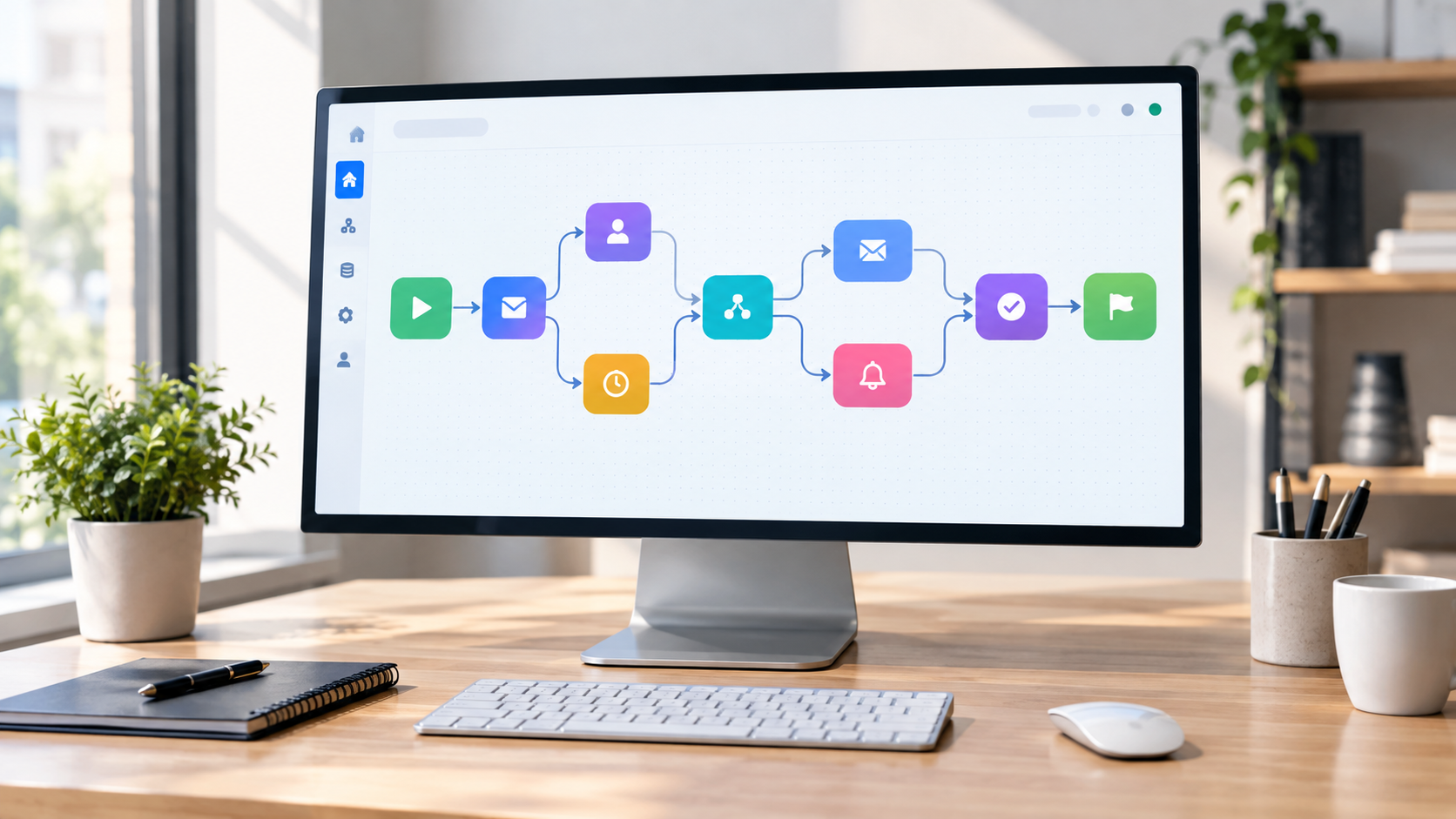
Workflow visivi: come automatizzare il lavoro senza programmare
Scopri come usare i workflow visivi e il no-code per automatizzare compiti ripetitivi, risparmiare tempo e far crescere la tua attività senza scrivere codice.